Your first five minutes
Kubermeister reads the kubeconfig you already have. If kubectl get pods works in your terminal,
the app works too.
1. Check the connection
Section titled “1. Check the connection”The top bar tells you which context you are on, and the dot beside it whether the cluster answers and its nodes are ready. If something is wrong with the kubeconfig or the context, a notice appears there with the ways out: Try again, Choose kubeconfig…, and Use default kubeconfig when you have chosen a kubeconfig of your own. The app itself always loads, even when no cluster will answer.
2. Find a workload
Section titled “2. Find a workload”The app opens on the cluster summary. Open Workloads › Deployments. The list is live — it watches the API server rather than polling, so a rollout appears as it happens, and the footer says “live” while the watch is connected. Type in the search box to narrow to the rows you want.
3. Read its logs
Section titled “3. Read its logs”Open a deployment and go to its Logs tab. It is already following, and it is following every pod the deployment owns at once, merged in arrival order and coloured by pod. There is no API call for “the logs of this deployment”, so the app opens one stream per pod. The set of pods is re-read at the refresh interval, so a replaced pod stops being followed and its replacement starts.
Search narrows the console. Turn on Highlight matches, the highlighter button beside the search box, if you would rather keep every line and mark the matches where they sit.
4. Shell into a pod
Section titled “4. Shell into a pod”Open one of its pods from the Pods tab and choose the Shell tab. The session opens with the tab and ends when you leave, which is how a shell is closed — nothing is left attached in the background.
5. Forward a port
Section titled “5. Forward a port”On a pod, the Network tab starts a forward to one of its declared container ports; on a Service, the Ports tab does the same for one of its ports. Forwards are listed under the port forwards button in the top bar and stopped from there, wherever you started them. A forward aimed at a Service picks a ready pod behind it for each new connection, so the next rollout does not end it.
6. Look at the cluster
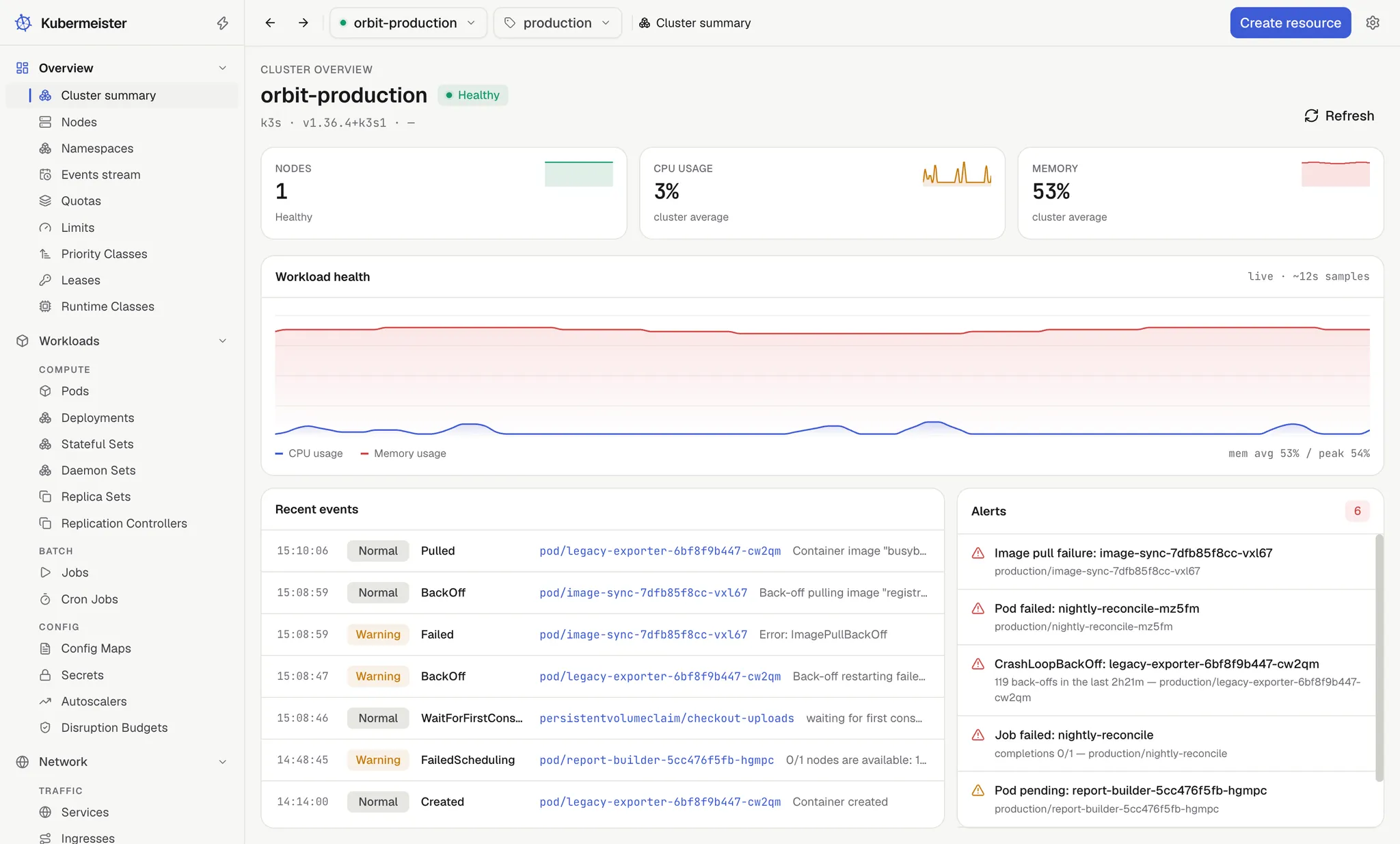
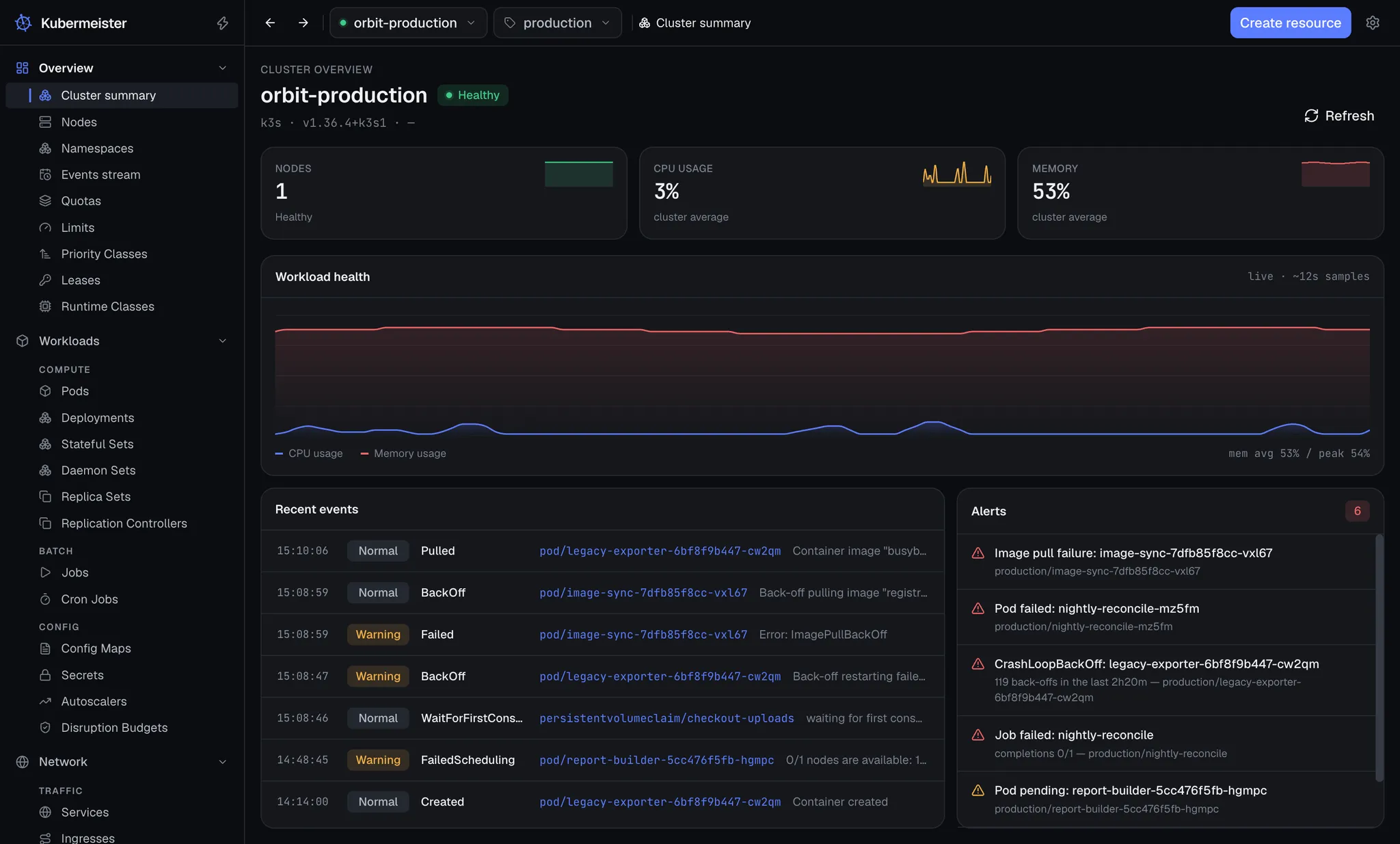
Section titled “6. Look at the cluster”Overview › Cluster summary puts node health, usage, recent events and alerts on one screen. The usage charts are sampled while the app is open — they start empty on every launch and reset when you switch context, so they never claim history the app does not have.
Finding your way around, contexts and namespaces, or jump to logs.