Contexts and namespaces
The two selectors in the top bar decide what every screen shows. Both are also in the command
palette (⌘K or Ctrl+K), under Contexts and Namespaces.
The context selector
Section titled “The context selector”The selector lists every context in your kubeconfig, with the cluster each one names beneath it. The dot beside the current context carries its health, polled at the refresh interval:
- “Cluster reachable, all nodes ready”
- “Cluster unreachable or nodes not ready”
- “No active cluster”
A context whose cluster or user entry is missing is struck through, with a red dot and the line “Unusable: names a missing cluster or user”. See when a context is unusable.
Switching context
Section titled “Switching context”A context switch is a change of cluster, and the app treats it as one:
- An open detail page closes back to its list first, because the object it names belongs to the cluster you are leaving. A shell or log follow on that page goes with it.
- Every port forward stops and leaves the top bar’s forwards list.
- Every other stream ends — a drain in progress included. They all share one live connection, so none of them can outlive it.
- Every cluster query is reset, not merely refetched. Screens go back to loading rather than showing the previous cluster’s rows while writes already reach the new one.
- The informers stop, and the metrics sampler resets, so charts start again from now.
- The namespace becomes the new context’s default namespace, or All namespaces when the context sets none.
- The startup checks re-run, so any notice in the top bar describes the context you are on.
None of this touches your kubeconfig.
Switching namespace
Section titled “Switching namespace”Selecting a namespace narrows every namespaced screen to it. Selecting All namespaces widens them. An open detail page closes back to its list here too, since its object lives in the namespace you are leaving; a list page stays where it is and reloads.
The namespace selector has a Filter namespaces… box and lists names only. It never counts pods beside them, which would mean listing every pod in the cluster to draw a label. While the selection is being read the button says Loading…, and Unavailable if it cannot be read.
Internally, “All namespaces” is the absence of a namespace — the label is the interface’s, never a value handed to a cluster call. The selection is held by the app itself rather than asked of the cluster, so it is known immediately and stays known while the cluster is down.
Where it reopens
Section titled “Where it reopens”The app remembers the last context and namespace you selected, in its own settings. With Restore
last session on launch on (the default, in Settings › General), it reopens on them. If that
context has since left your kubeconfig, or the setting is off, it opens on the kubeconfig’s
current-context and that context’s default namespace instead.
Either way the file is not written: the remembered context is the app’s own pointer, not the kubeconfig’s.
All namespaces and timeouts
Section titled “All namespaces and timeouts”A namespaced list under All namespaces asks the cluster for that kind in every namespace at once. When one times out, the app says so and suggests selecting a namespace, alongside the link to raise the read timeout. Cluster-scoped lists never give the namespace advice, since narrowing does not apply to them.
Namespaces have a screen of their own
Section titled “Namespaces have a screen of their own”Overview › Namespaces lists them, with a New namespace button. A namespace does nothing by itself, so its detail page is a roll-up: the Contents tab counts what lives in it, each count linking to that kind’s list; Budgets holds the quotas and limit ranges it carries; and Overview sets the usage of its pods against what they requested, leaving out pods that have finished, as the scheduler does.
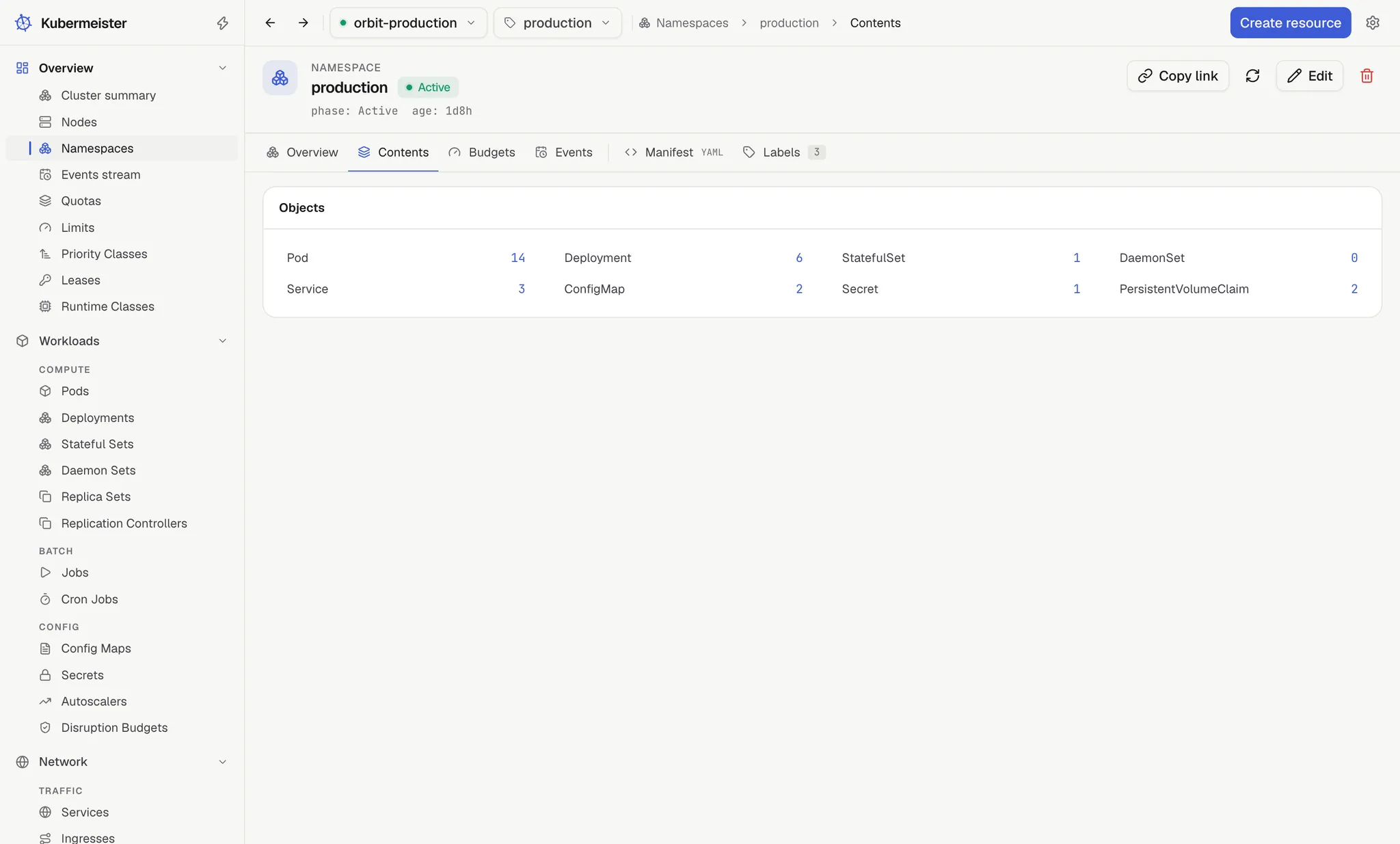
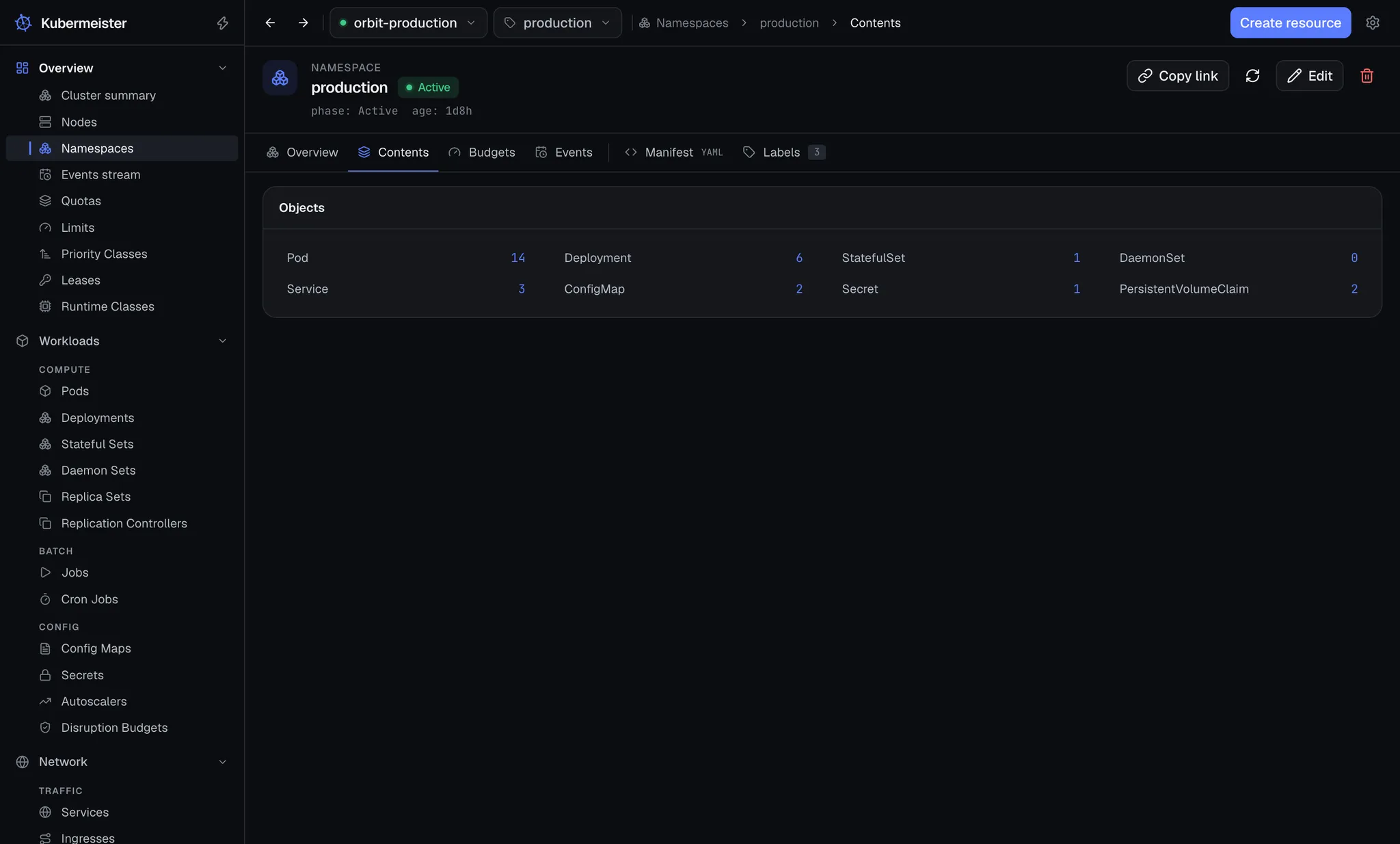
Deleting a namespace asks you to type its name, because it takes every object inside it with it.