Resource lists
A list screen asks the cluster for one thing: its kind, in its namespace. Everything else you can do on the screen happens on the rows already there. The badge beside the title counts them, and clicking a row opens its detail page; the name is a real link, so the keyboard reaches it too.
They are live
Section titled “They are live”Most lists stay current through a watch, not a timer, and the footer reads “live” while the watch is connected. One informer serves every screen watching the same kind and namespace, so opening a second screen on the same list replays the informer’s cache instead of opening a second watch and re-listing. The informer stops when its last subscriber goes.
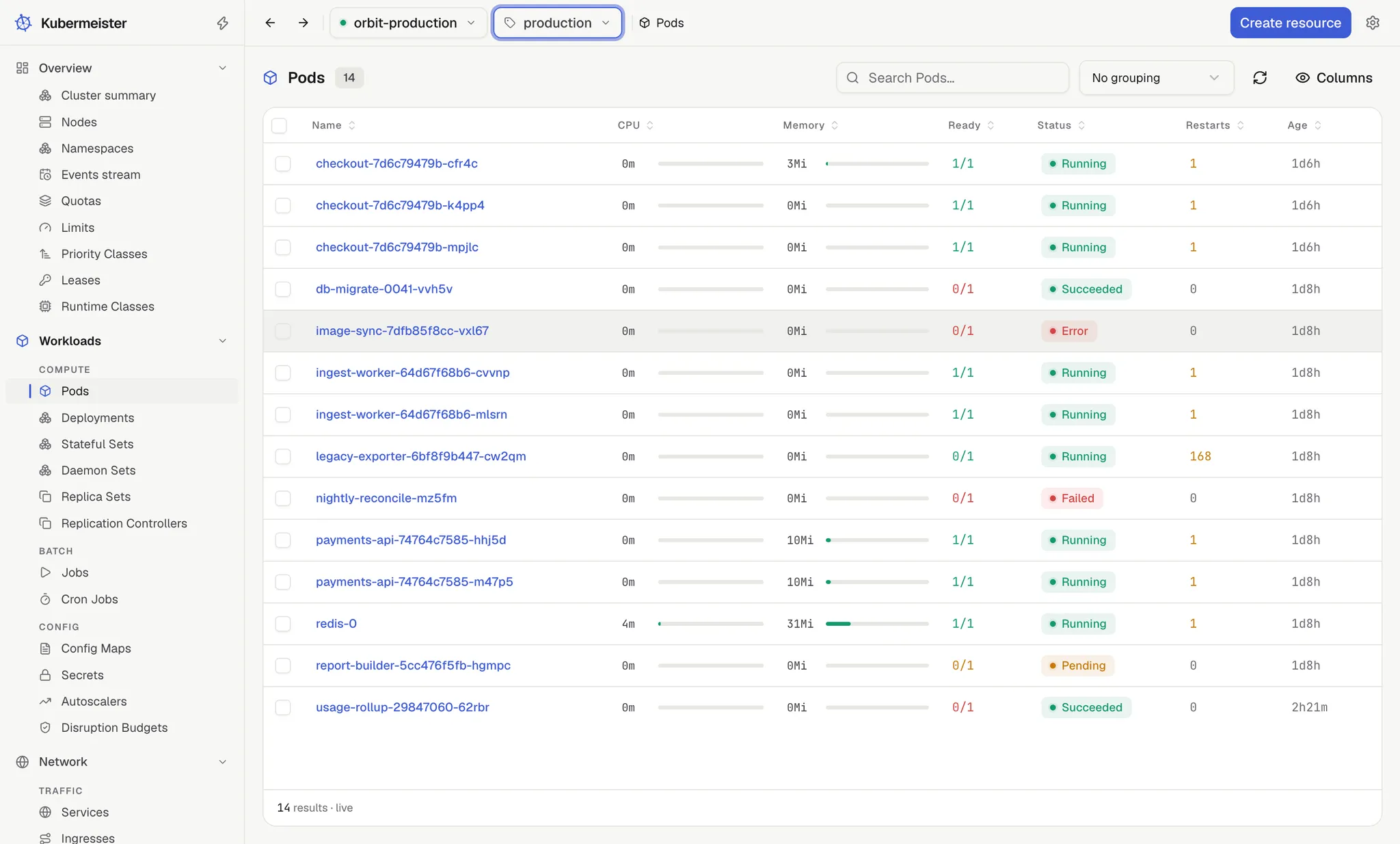
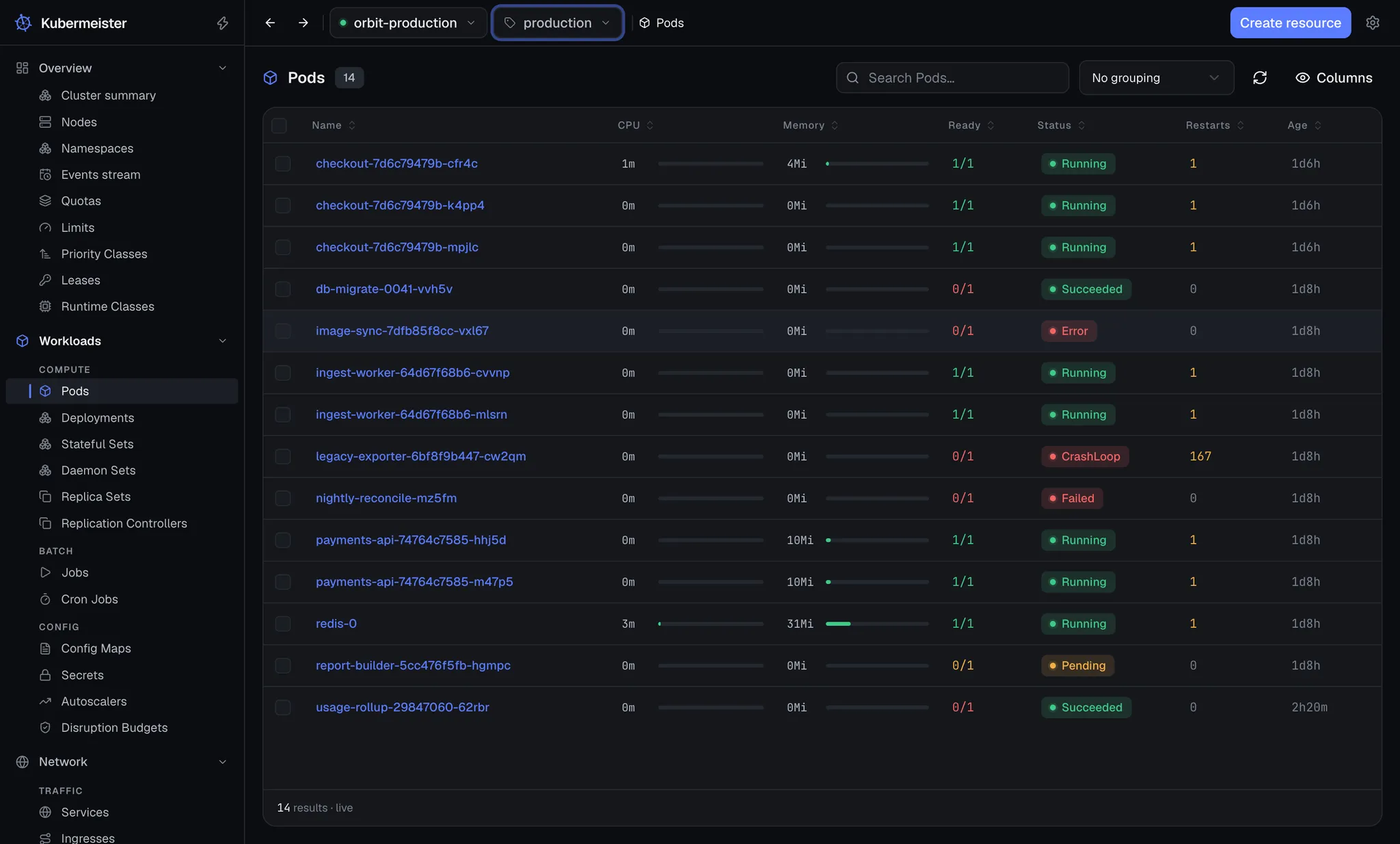
A few screens are polled instead, at Settings › Cluster data › Live data refresh › Refresh interval: Nodes, Namespaces, the Events stream, Quotas, Limits, Snapshots (a kind whose definition a cluster need not have), the instances of a custom resource, Helm releases and Helm charts.
The Refresh button beside the search box re-reads the list at once, whichever way it is kept
current. ⌘R or Ctrl+R does the same.
Searching
Section titled “Searching”The search box narrows the rows on screen against the columns on screen, ignoring case. /, or
⌘F or Ctrl+F, puts the cursor in it. Nothing
about it reaches the API server, which is why it is instant and why it costs the cluster nothing.
The footer then reads “N of M results”, and a hidden column is not searched.
Sorting
Section titled “Sorting”Click a column header to sort by it; a second click reverses the order and a third clears it. The footer says what the list is sorted by. Age sorts by duration rather than alphabetically, so “5h” and “2d” land in the order they mean.
Columns
Section titled “Columns”The Columns menu hides and shows columns. Which ones you see is a preference about this window, like the theme, so it is stored locally per screen rather than in your cluster or an account.
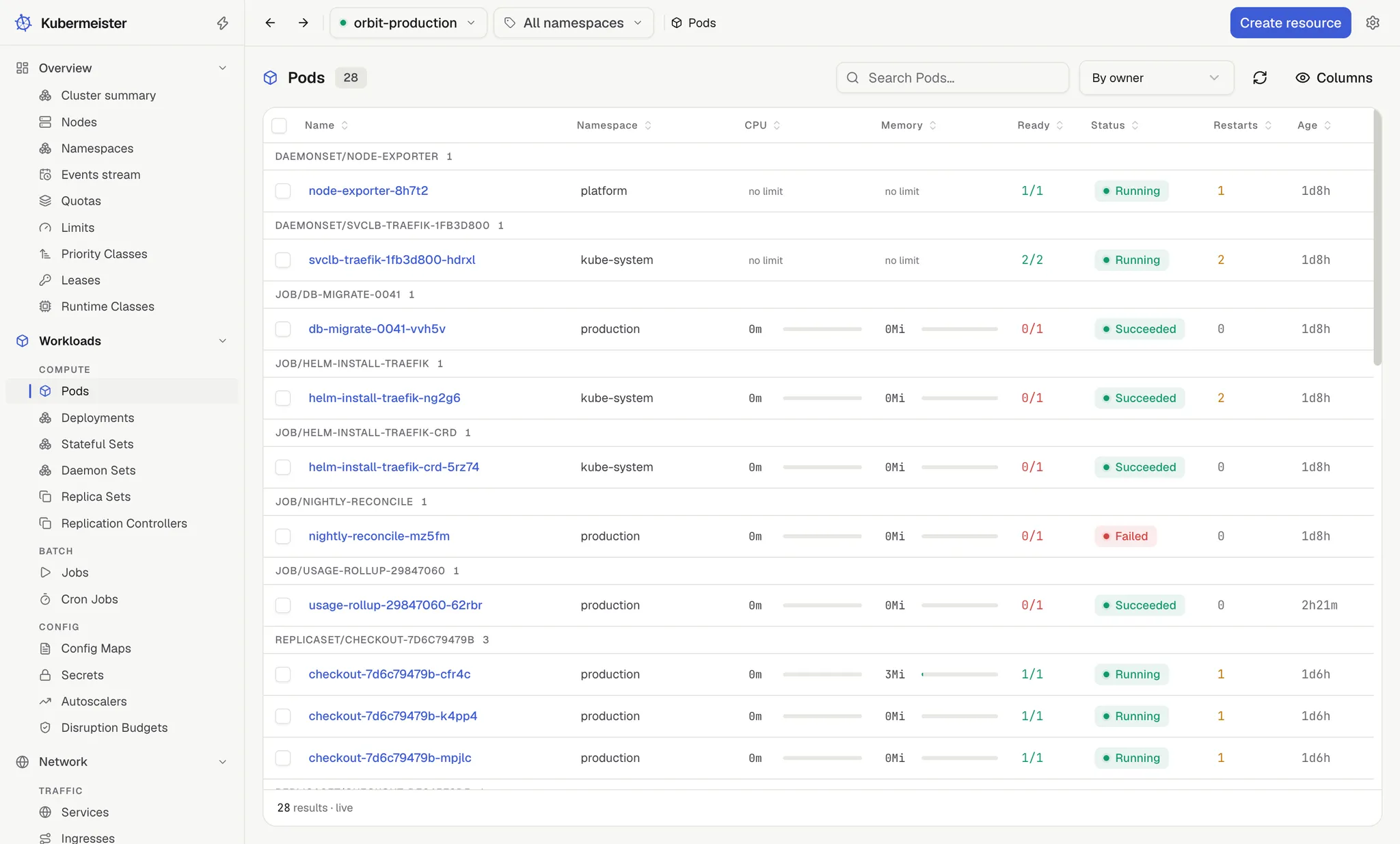
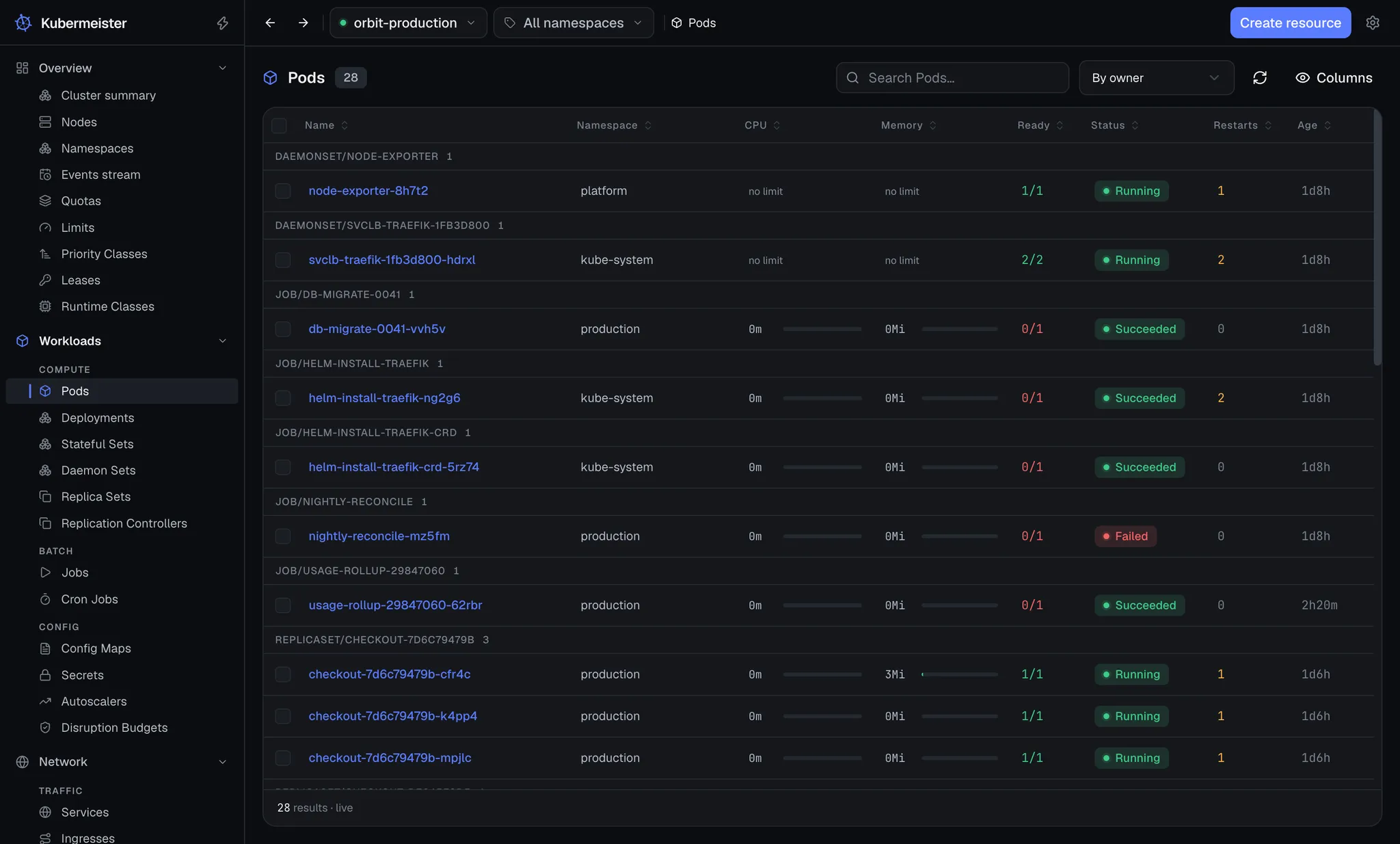
Typical columns are the name, a status badge with a tone from that kind’s own vocabulary, age, a ready ratio, and usage meters where metrics-server provides them. Under All namespaces, once the rows span more than one namespace, a Namespace column appears after the name so two objects of the same name can be told apart.
Grouping
Section titled “Grouping”The Pods list can group its rows: No grouping, By node or By owner, the controller that owns each pod. Each heading carries a count. Grouping interleaves heading rows into the virtualised list rather than nesting tables, so it stays as cheap as the flat list.
Why they stay fast
Section titled “Why they stay fast”Only the rows in view are rendered. A list costs the size of your window, not the size of your cluster, and that is locked in by a test that counts mounted cells rather than milliseconds. A list of more than 500 rows is also paged: the footer shows “Page 1 / 3” with Prev and Next.
There is also a rule about what is not listed: no screen lists the cluster’s pods just to show a count. The Namespaces and Nodes lists carry no pod column, the cluster summary shows no pod total, and the namespace selector shows names only.
Pods are read where a detail needs them, scoped to that object: a workload’s Pods tab, a node’s pod count, a namespace’s contents. The Pods screen is the only whole-cluster pod list.
Selecting rows
Section titled “Selecting rows”Most lists have a checkbox column; the one in its header selects every row on the current page. The exceptions are Nodes, Namespaces, the Events stream, Quotas, Limits, CRDs, custom-resource instances, Helm releases and Helm charts.
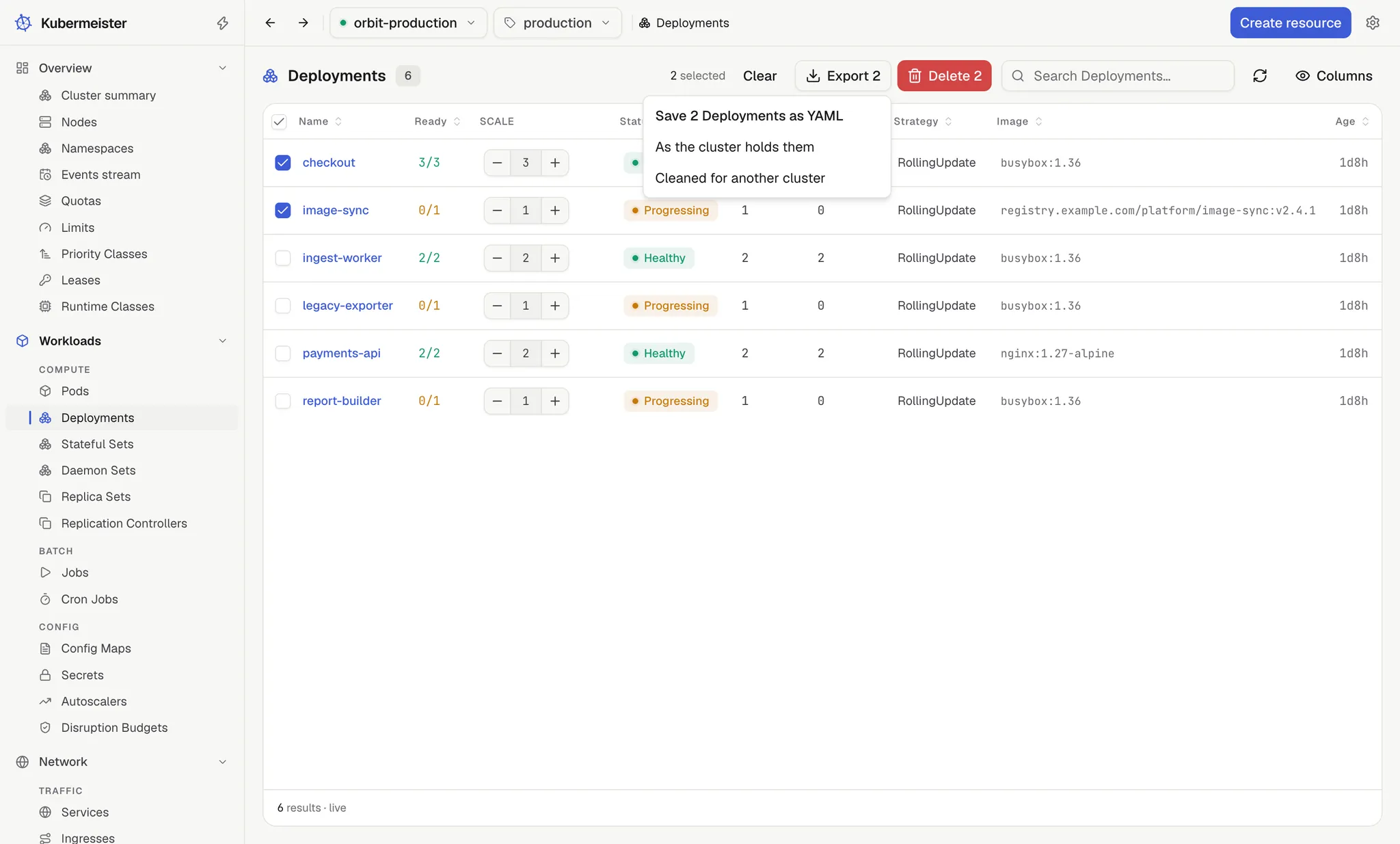
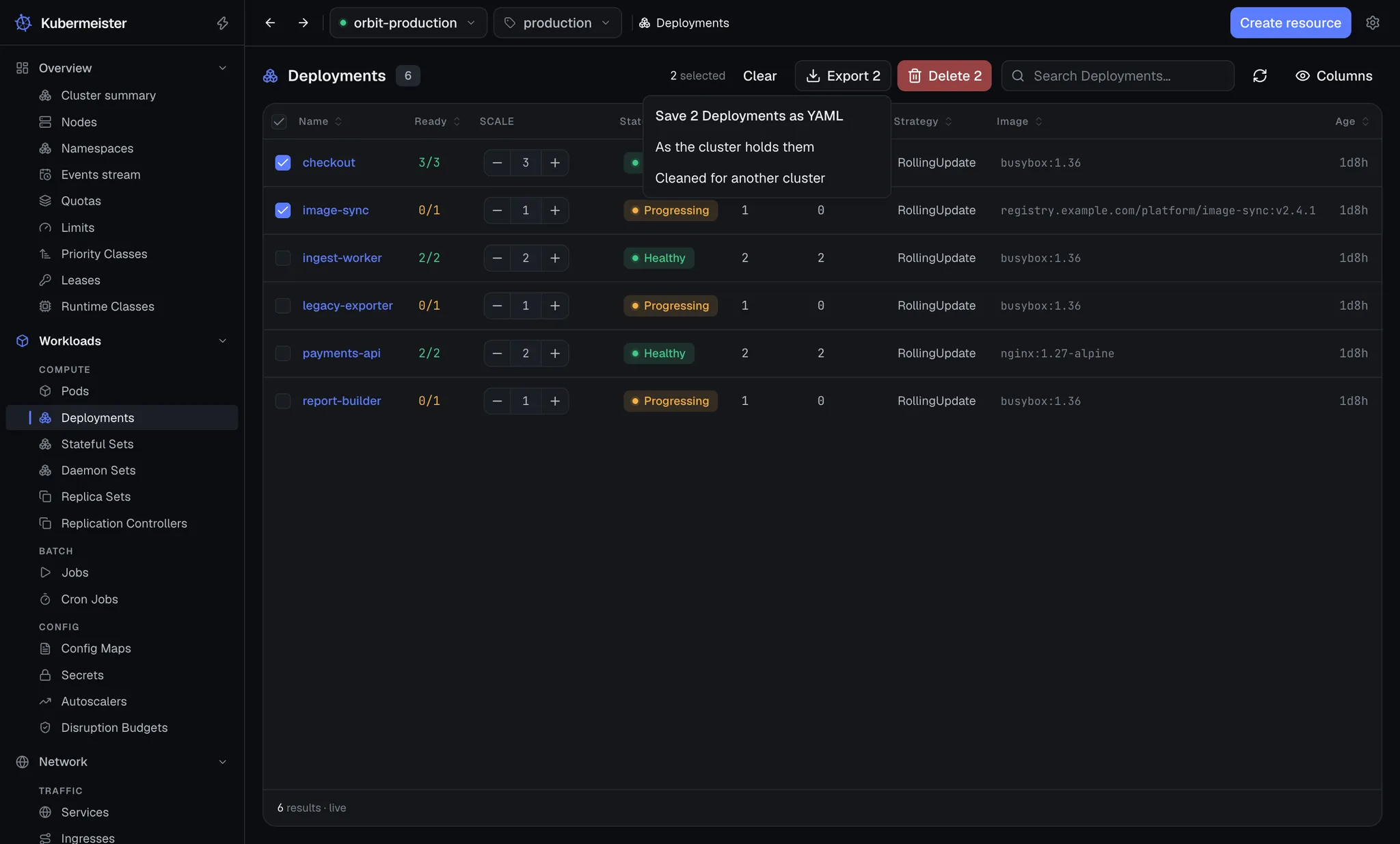
Once rows are checked, a bar beside the search box says how many and offers Clear, Export N and, for most kinds, Delete N. A selection belongs to the context and namespace it was made in: it is set aside when you switch, so it can never act on same-named objects in the new scope. Rows that the search is hiding are not part of it.
Exporting
Section titled “Exporting”Export N saves the selected objects as one YAML file, one document per object in the list’s
order, through a native save dialog. The file is called after the object when there is
one, and <kind>-export.yaml when there are several. It offers two versions:
- As the cluster holds them — the objects as the Manifest tab shows them,
statusandresourceVersionincluded. OnlymanagedFieldsand thelast-applied-configurationannotation are left out. - Cleaned for another cluster — the objects as somebody would write them.
statusgoes, and so do the parts ofmetadatathe server owns (uid,resourceVersion,generation, the creation and deletion timestamps,managedFields), thelast-applied-configurationanddeployment.kubernetes.io/revisionannotations, the owner references naming a uid only this cluster issued, and a Service’s cluster IPs, which come out of this cluster’s own range. A headless Service keepsclusterIP: None. A Job loses the selector andcontroller-uidlabels the control plane generated from its uid, unless it setmanualSelector. A claim the controller bound loses itsvolumeNameand the binding and selected-node annotations, and a PersistentVolume’sclaimRefloses the claim’s uid andresourceVersion, or goes whole when the controller wrote it.
An object deleted since the list was read is left out, and the message confirming the save says how many were.
The Create screen takes one object at a time, so a file of several cannot be applied back through it.
Deleting
Section titled “Deleting”Delete N asks once, naming up to eight of the objects and how many more. The deletes then run a few at a time, and one message reports the outcome. Whatever failed stays selected, so a retry starts from exactly there.
The kinds whose single delete asks you to type the object’s name are never deleted in bulk. The PersistentVolumes, StorageClasses, ClusterRoles and ClusterRoleBindings lists have a checkbox column for Export N, but their bar has no Delete N; the Nodes, Namespaces and CRDs lists have no selection at all. Each of those is deleted from its own detail page, by name.
When a list will not load
Section titled “When a list will not load”A list that fails says why in terms of what it was asking for: “You don’t have permission to view Secrets.”, “The cluster API server is unreachable.”, and so on, with Retry. A timeout under All namespaces adds that selecting one namespace asks the cluster for far less, and every timeout links to the read timeout in Settings. See troubleshooting.