Shell into a pod
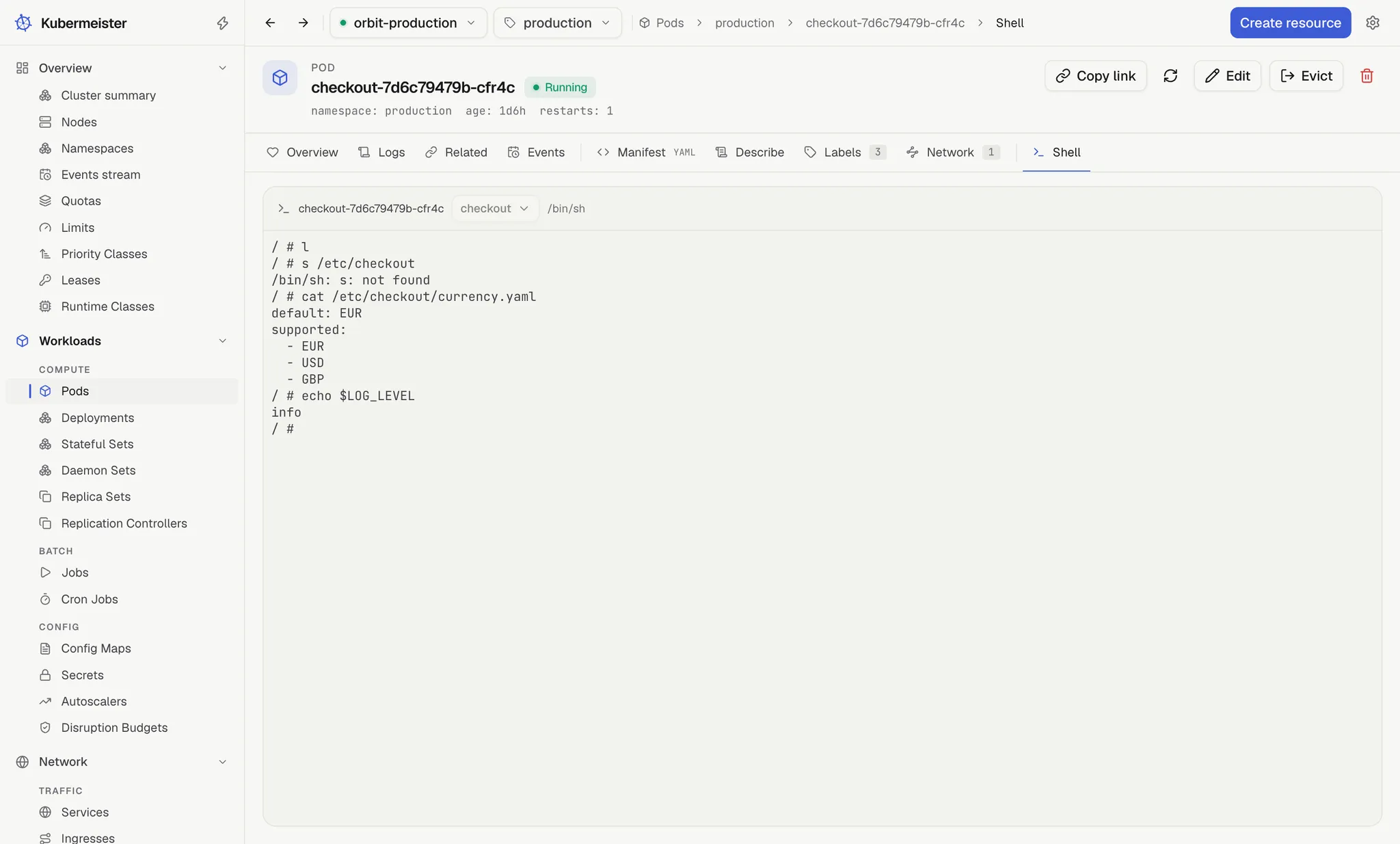
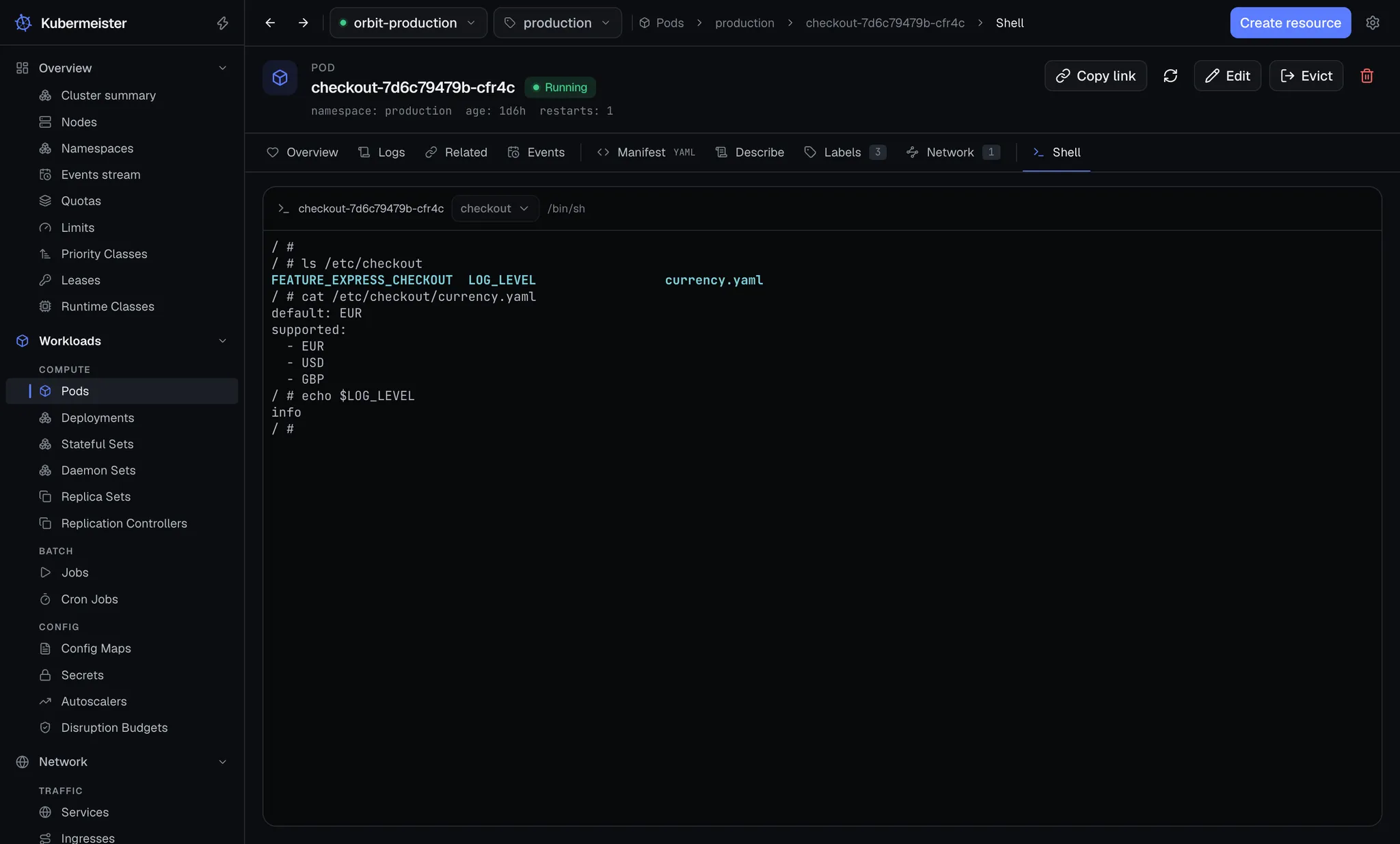
A pod’s Shell tab, the last of its tabs and in a group of its own, is an exec session into that pod. It opens when the tab opens and ends when you leave it.
Why it works that way
Section titled “Why it works that way”A shell belongs to its pod. Leaving the pod is how a shell is closed, which means a terminal is never left attached to a cluster nobody is looking at.
The tab is deliberately not kept mounted in the background, unlike Logs. Merely opening a pod’s page must not exec into it, and moving to another of the pod’s tabs ends the session.
The command
Section titled “The command”The session always runs /bin/sh, which the header shows beside the container. There is no
choice of command and no detection of another shell; type bash at the prompt if the image has it.
An image with no /bin/sh — a distroless one, for instance — cannot be shelled into, and the exec
error is printed in red in the terminal.
Choosing a container
Section titled “Choosing a container”The Container picker in the terminal’s header lists the pod’s app containers, then any ephemeral ones, marked ephemeral. Init containers are left out: a shell needs a running process to attach to, and an init container has finished before the app starts. The picker opens on the first app container, and it is disabled when there is only one container to choose.
Choosing another container ends the session and opens a new one in that container.
The terminal
Section titled “The terminal”The terminal fits itself to the panel as the window or the layout changes, and the shell in the pod
is told each new size, so top, vi and less redraw for the space they have and a long command
line wraps where the panel ends. The session opens at the panel’s size rather than a default one.
The font size is Terminal › Font size in Settings › Appearance: 11 pt, 12 pt (the default), 14 pt or 16 pt. It is read when a session opens, so a change applies to the next session rather than restarting the one you are in.
The terminal has its own two palettes, one for each theme, because a terminal needs literal colours. When the app’s theme flips, the terminal changes with it without restarting the session.
What the app will not do
Section titled “What the app will not do”The app opens no other way in:
- it attaches no debug container;
- it runs no privileged pod on a node;
- it carries no files across the exec channel.
kubectl debug and kubectl cp are where those belong. The app is not quietly a way around your
RBAC.
Ending a session
Section titled “Ending a session”Leaving the tab ends it: another of the pod’s tabs, another page, or switching context or namespace, which closes the pod’s page back to its list. Quitting the app ends it too.
Choosing another kubeconfig, or changing the proxy or the CA bundle, ends every session at once,
because none of them may carry on over a connection that has changed. If the terminal is still on
screen when that happens — choosing a kubeconfig from the top bar’s connection notice, for instance
— it prints the reason in red, such as The kubeconfig changed.
When a session ends, whether the shell exited or the connection went, the terminal prints
[session ended]. A command the cluster reports as failed prints the cluster’s message in red first,
such as the exit code a shell left with, and a connection that drops — the API server restarting,
the network going, a proxy cutting an idle connection — prints The connection to the container was lost. It does not reconnect by itself: leave the tab and come back to open a new session.