Cordoning and draining nodes
Nodes are under Overview › Nodes. Cordon, drain and delete are in a node’s detail header; the Nodes list has no bulk actions.
Cordon
Section titled “Cordon”Cordon and Uncordon are one button on the node’s detail page, and ask for no confirmation. Cordoning stops the scheduler putting new pods on the node; the pods already running stay where they are (“Running pods stay; no new ones are scheduled here.”).
It patches spec.unschedulable and nothing else, so it reads the same to every other tool. A
cordoned node reads Cordoned in the Nodes list and on its page, whether or not it is also ready:
an unschedulable node is somebody’s decision, and that is what you want to see first.
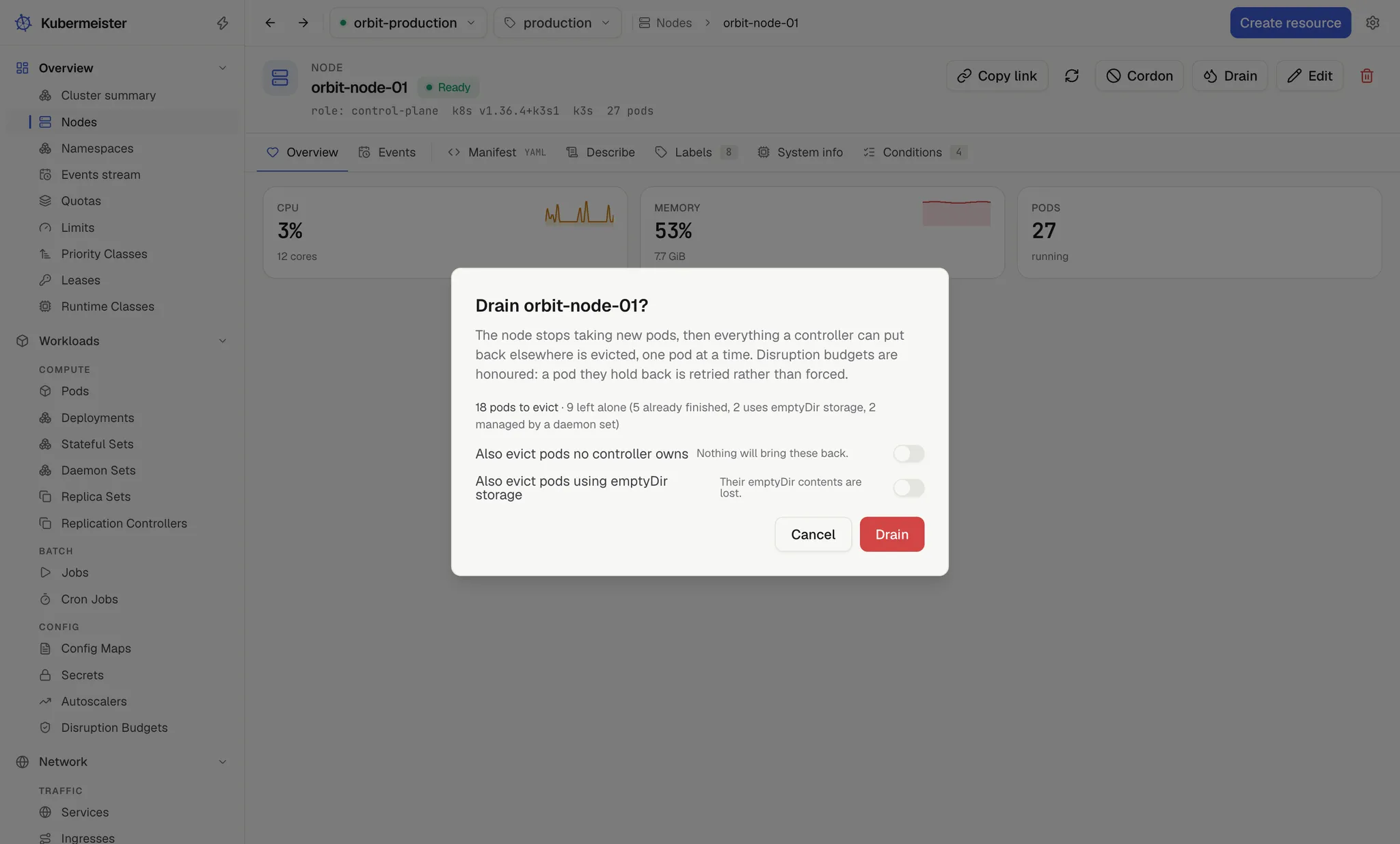
Drain opens “Drain node?”. A drain cordons the node and then evicts everything a controller can put back elsewhere, one pod at a time.
The plan comes first
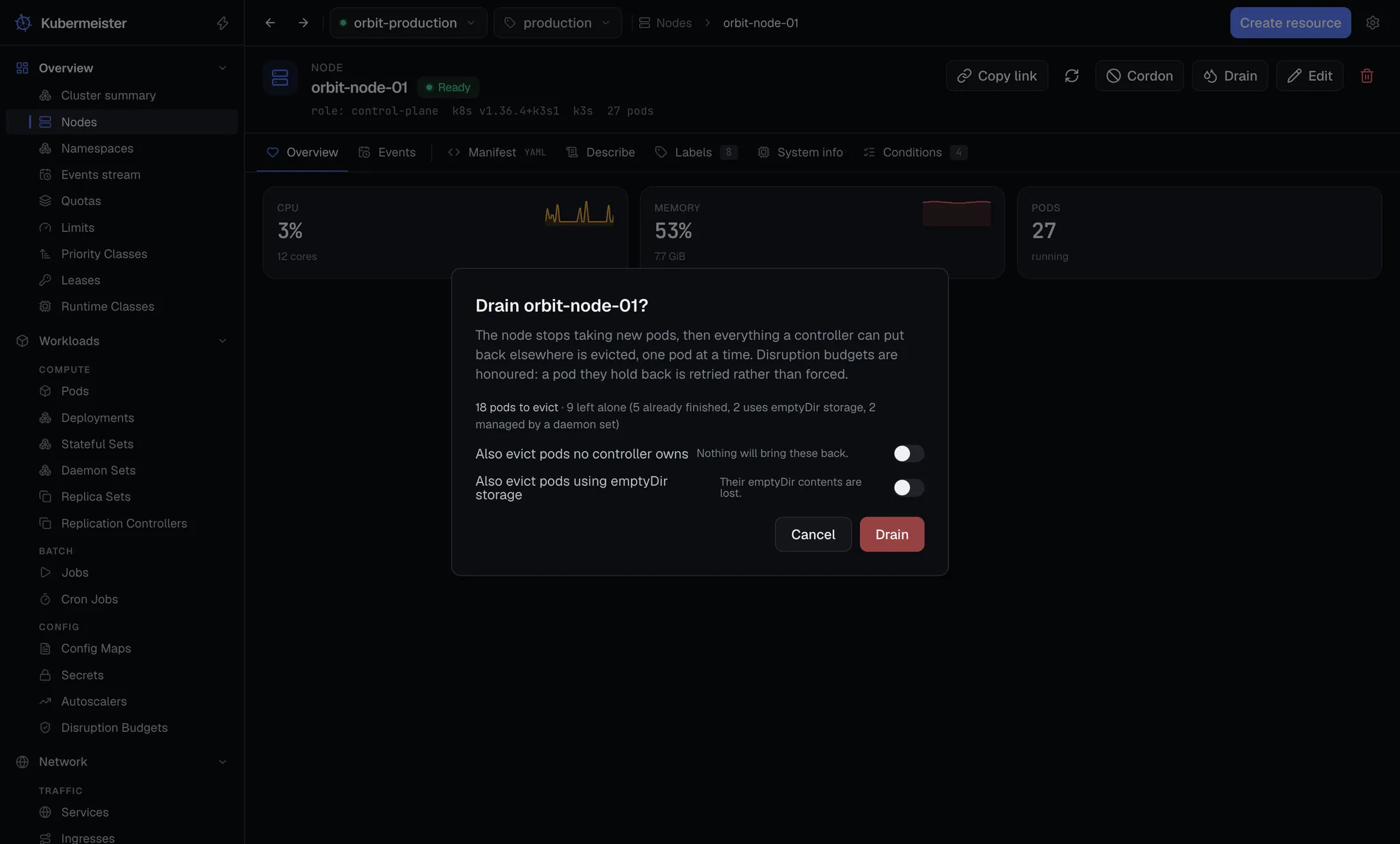
Section titled “The plan comes first”Before anything happens, the dialog reads the pods on the node and says what a drain would do: “N pods to evict · M left alone”, with the reason each group is left.
Some pods are always left alone, and two kinds are left unless you say otherwise:
| Reason shown | Which pods | Evicted when |
|---|---|---|
| already finished | Pods that have succeeded or failed | Never |
| static pod, no controller | Mirror pods the kubelet runs from a file on the node | Never |
| managed by a daemon set | Pods a DaemonSet owns, which it would put straight back | Never |
| not managed by a controller | Pods nothing owns, so nothing will bring them back | The first switch is on |
| uses emptyDir storage | Pods with an emptyDir volume, whose contents are lost |
The second switch is on |
The two switches are Also evict pods no controller owns (“Nothing will bring these back.”) and Also evict pods using emptyDir storage (“Their emptyDir contents are lost.”). Both start off. Changing one re-reads the plan, and when you press Drain the drain re-derives the same plan itself with the same options — so the screen can never promise one thing and the app carry out another.
Eviction, not deletion
Section titled “Eviction, not deletion”Pods are removed through the eviction API, which is what makes PodDisruptionBudgets matter, and they go one at a time, so the cluster is never asked to lose two at once. The dialog shows each as it goes: “Node cordoned.”, then “Evicting namespace/pod” and “Evicted namespace/pod” for each.
A 429 from the API server means a budget is holding the pod back — “not now”, not “failed”. The line reads “Waiting for namespace/pod: a disruption budget is holding it back”, and the app retries every 5 seconds for up to two minutes per pod. A pod that is already gone (404) counts as evicted. A pod whose budget never gives way in that time is skipped, and the drain moves on to the next.
At the end the dialog reads “Drained: N evicted”, adding “, M left” for the pods a budget held back past their two minutes. Pods the plan left alone are not in that count.
That retry loop deliberately runs outside the ordinary read timeout: a ceiling meant for a single read is the wrong ceiling for something whose job is to keep asking.
Stopping
Section titled “Stopping”While a drain runs, the dialog cannot be dismissed; Stop is its only button. Closing the dialog or leaving the node’s page also stops the drain, because a drain never outlives the screen that started it.
Stopping ends the evictions at once and leaves the node cordoned (“Stopped. The node stays cordoned until you uncordon it.”). An eviction already sent cannot be recalled. Undoing the cordon is your decision, not the app’s — a drain you interrupted is rarely one you wanted fully reversed.
Once a drain has finished, been stopped or been refused, Close dismisses the dialog, and pressing Drain again opens it on a fresh plan rather than on the last drain’s progress.
PodDisruptionBudgets
Section titled “PodDisruptionBudgets”Budgets are listed as their own kind under Workloads, with their policy, healthy and desired counts and the number of disruptions allowed. A budget that allows no disruption reads Blocked, and one that allows at least one reads Satisfied, because a drain stops on a blocked budget and no count says so on its own.
Node detail
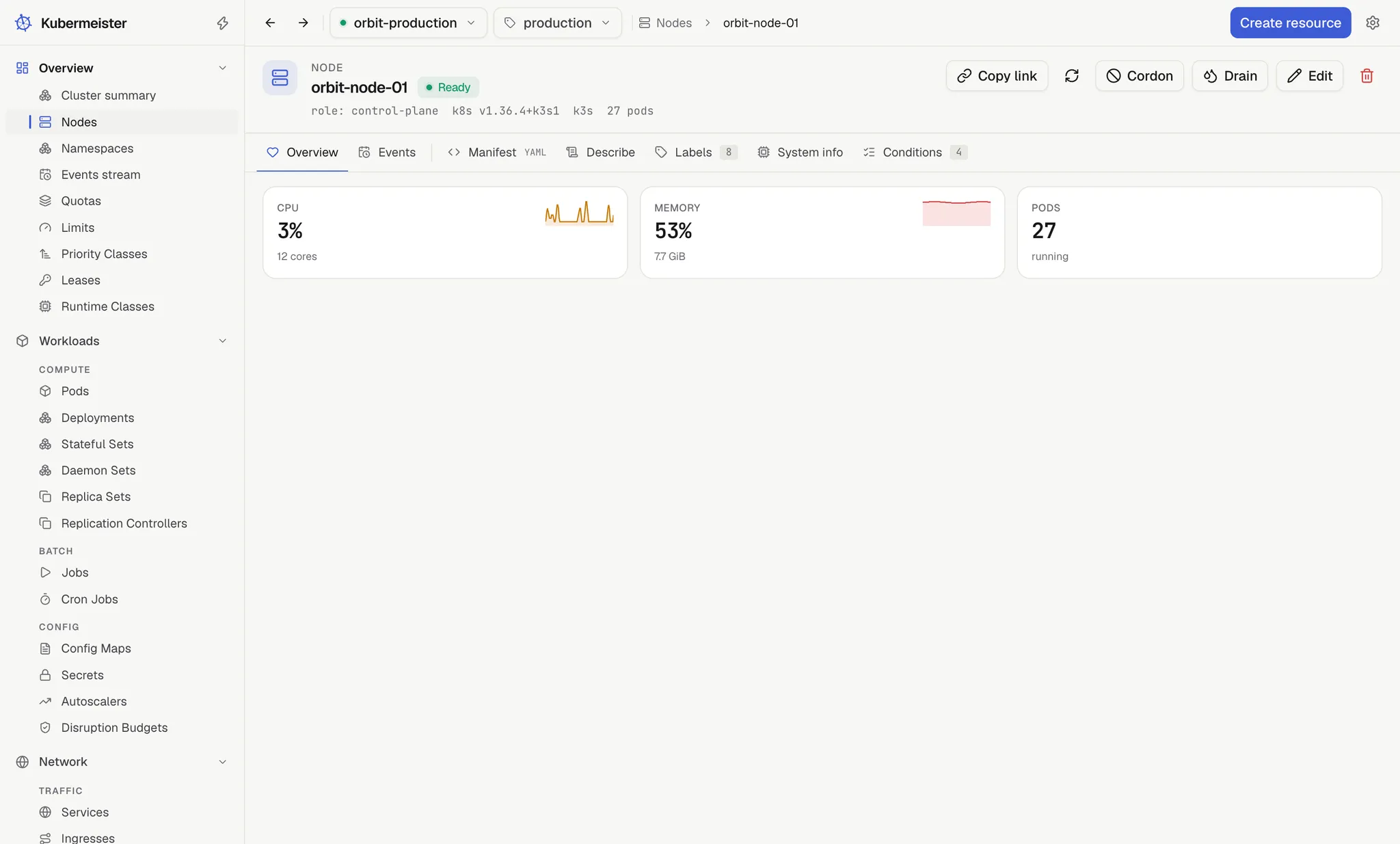
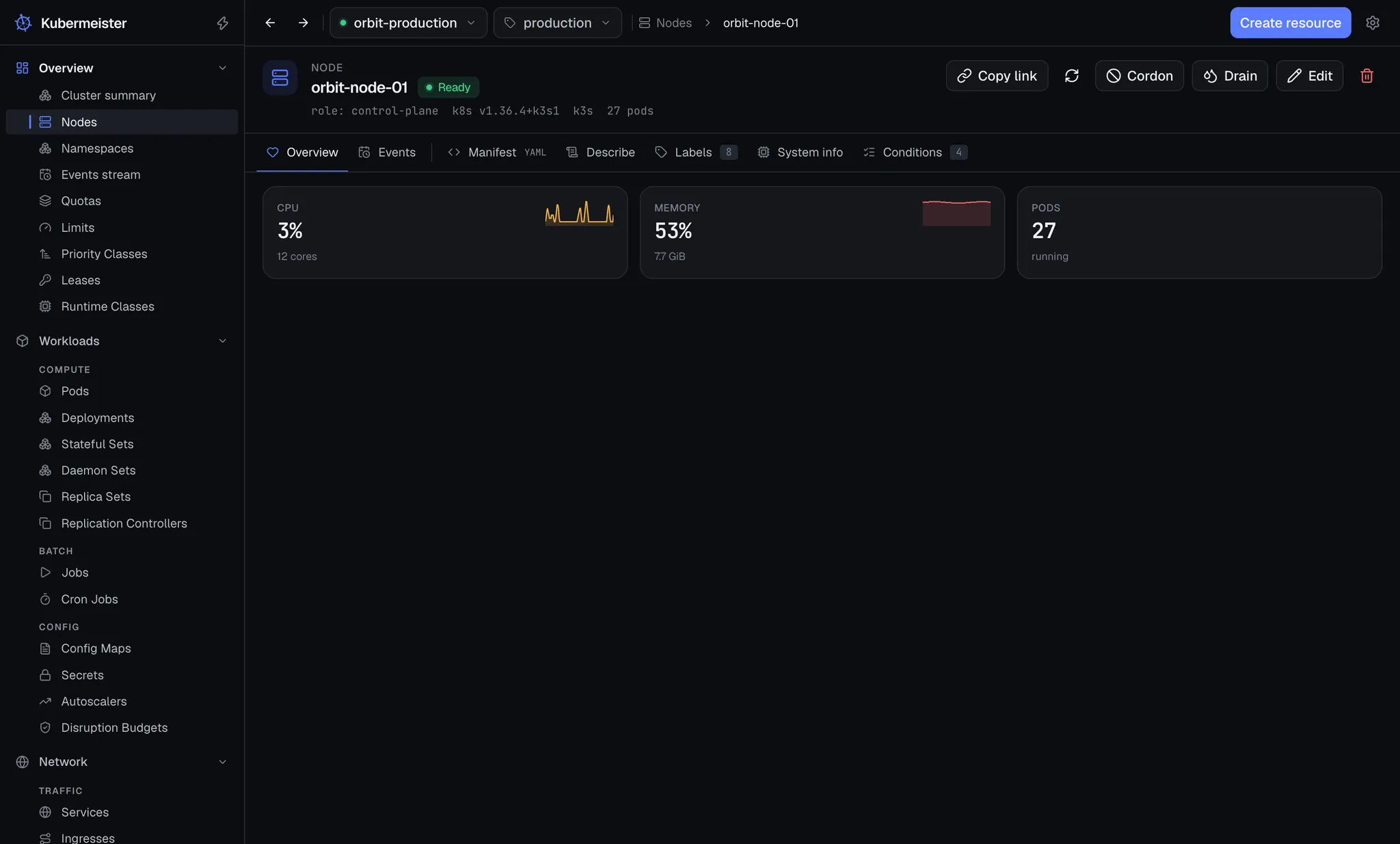
Section titled “Node detail”A node’s Overview shows its CPU and memory use as a percentage of what is allocatable, each with
a chart over the last few minutes (see usage metrics), its allocatable
cores and GiB, and a count of the pods scheduled on it. The count comes from a spec.nodeName
field selector, so the app never reads the cluster’s other pods for it; the pods themselves are in
the Pods list.
The other tabs are Events, Manifest, Describe, Labels, System info (OS image, kernel, container runtime, kubelet, architecture and instance type) and Conditions.