A thoughtful desktop client for Kubernetes
Browse live clusters, follow logs, exec into pods, forward ports, roll back Helm releases and drain nodes — from one window on macOS, Windows and Linux. No account, no agent in your cluster, no kubectl required.
brew install --cask kubermeister/tap/kubermeisterWhat it does
Everything you actually do with a cluster
Not a dashboard that shows you numbers. The operations you reach for on a bad afternoon, built so they hold up on a busy cluster.
Logs that open following
A Logs tab starts live. Narrow by regex or highlight in place, pick a container and a time window, and download that window’s log straight from the API server.
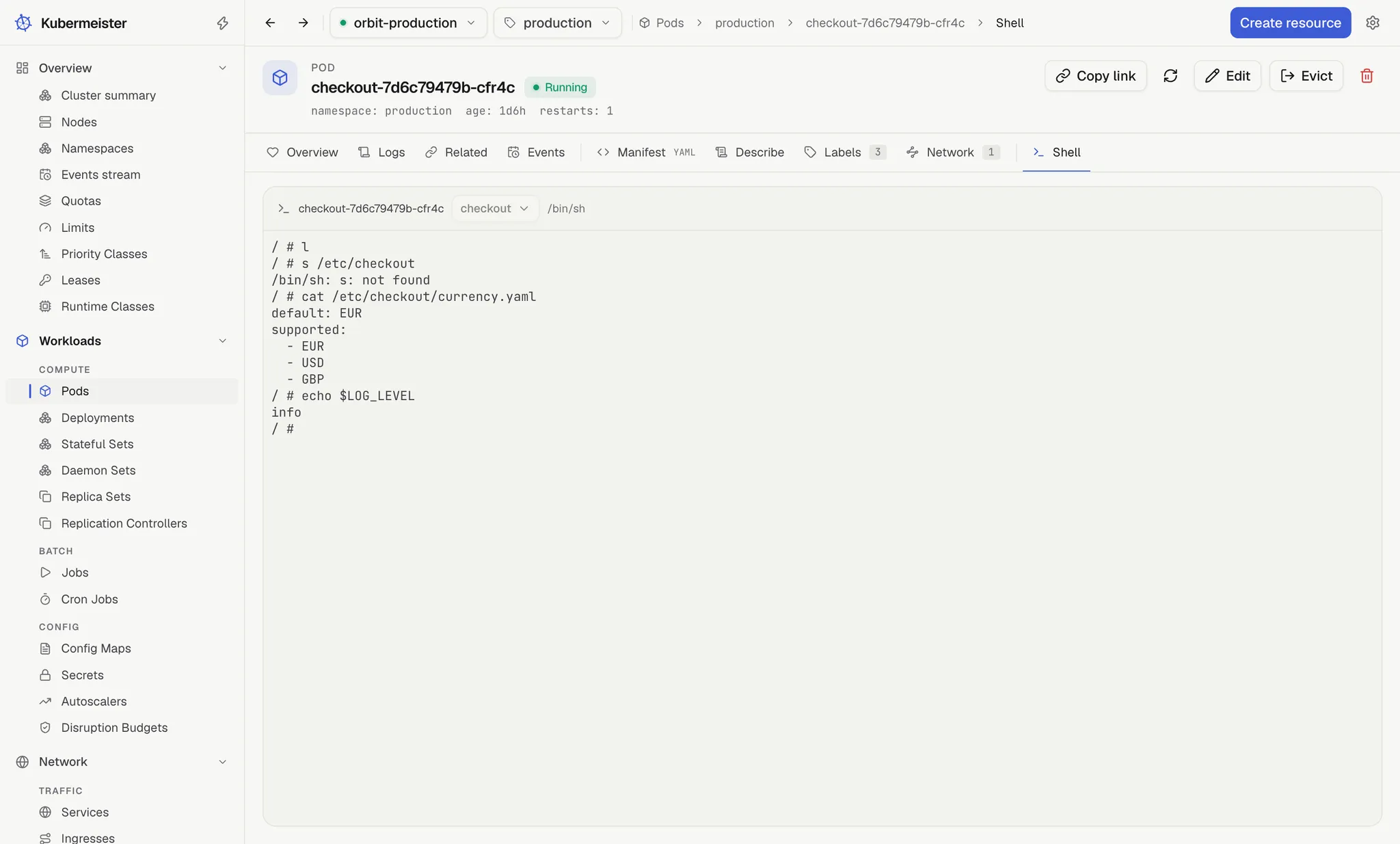
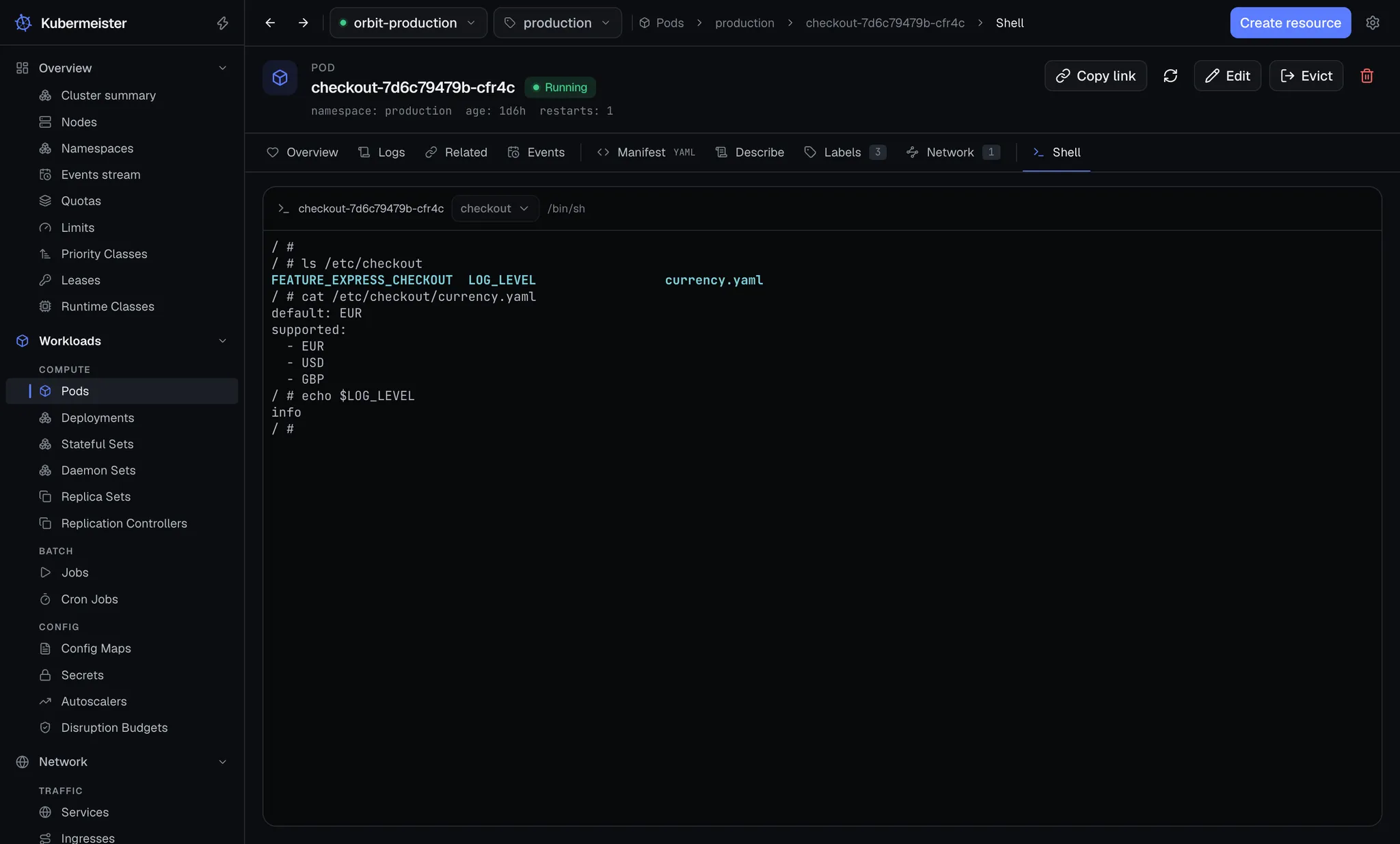
A shell that belongs to its pod
The exec session lives in the pod’s own Shell tab and ends when the tab does, so a terminal is never left attached to a cluster nobody is watching.
Port forwards that survive a rollout
Forward to a Service and each connection goes to a ready endpoint, so a deploy doesn’t kill the tunnel. Every forward is listed and stopped from the top bar.
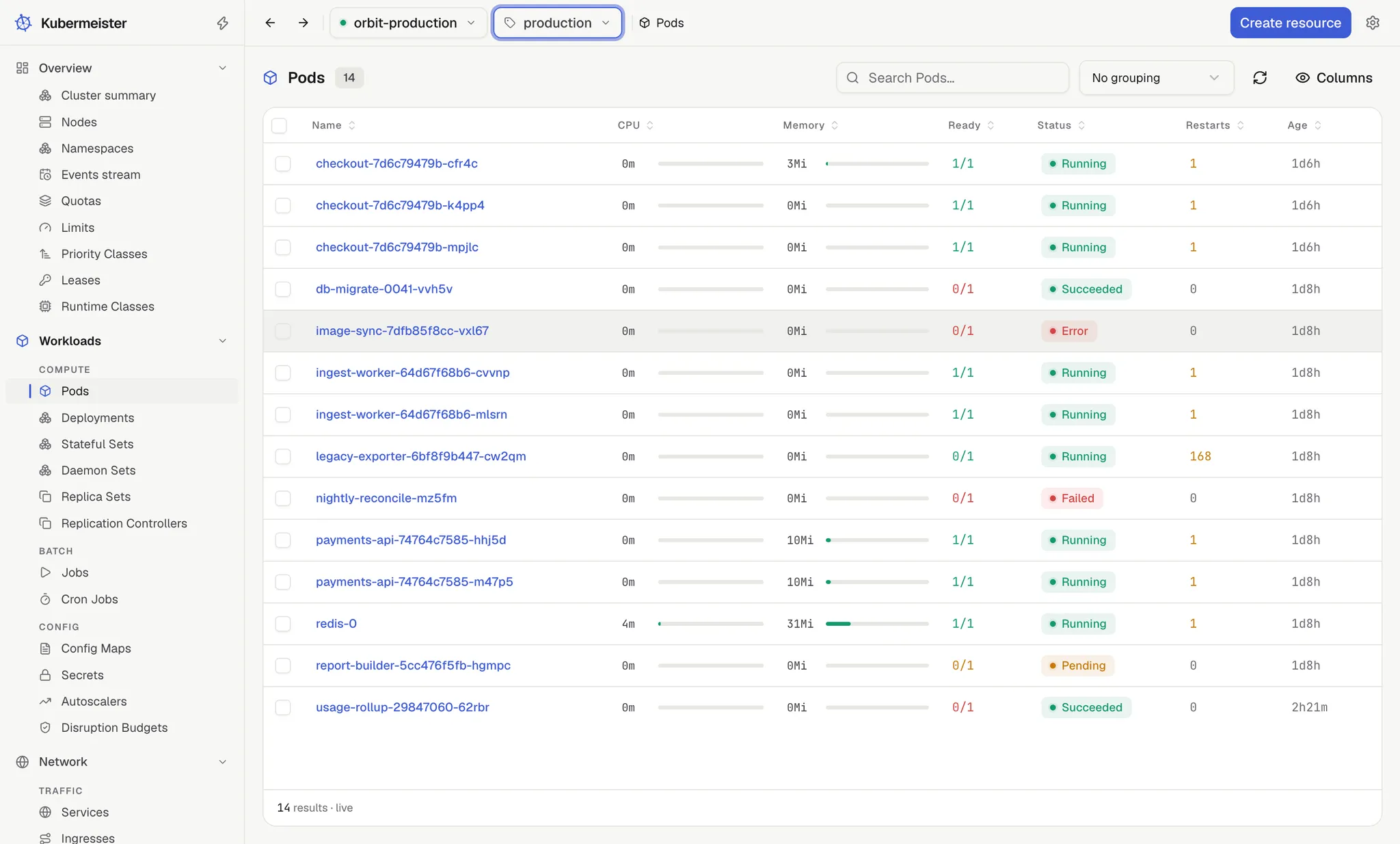
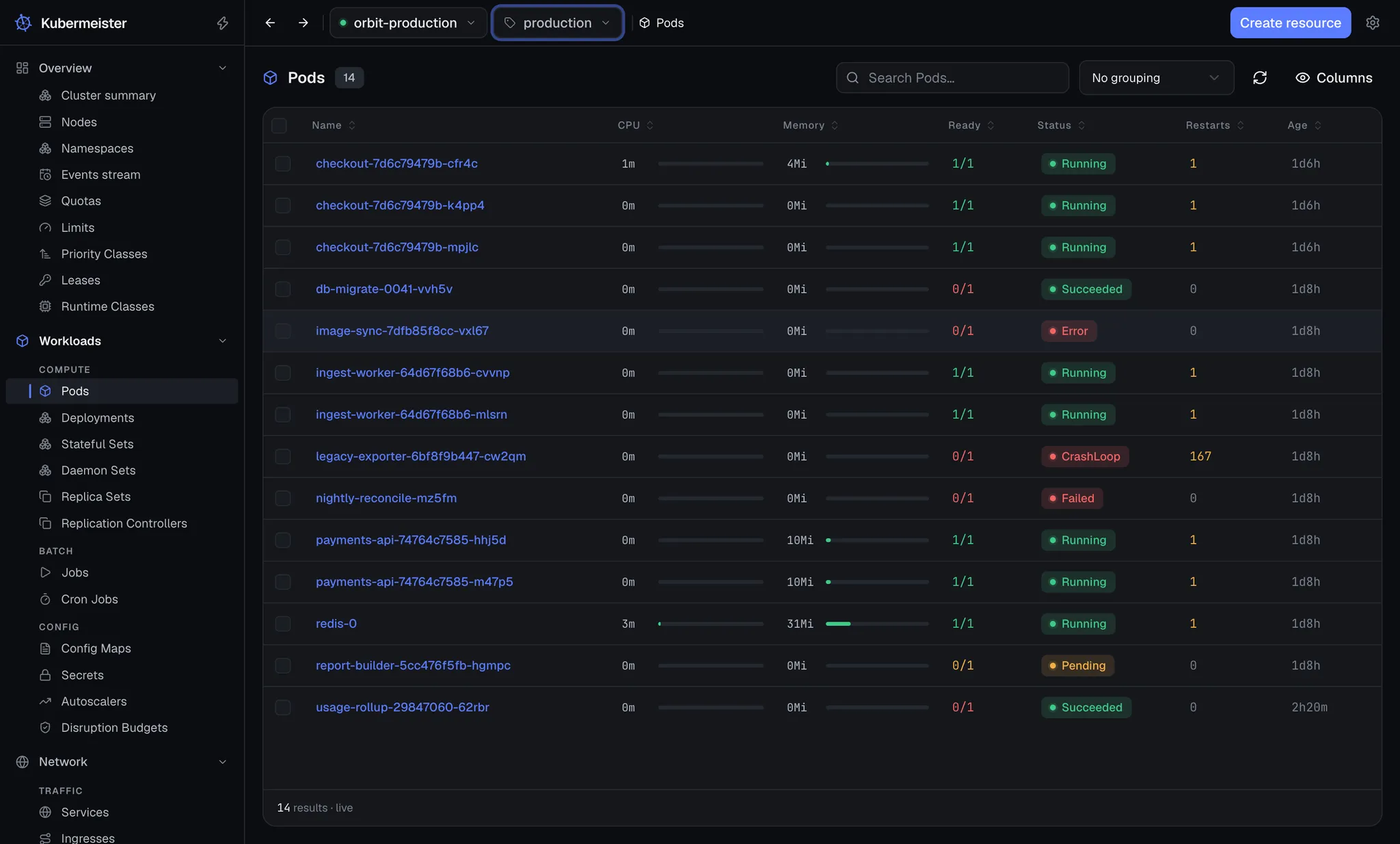
Lists that are already live
Screens watch the API server instead of polling it, and only the rows in view are rendered. A list costs the size of your window, not the size of your cluster.
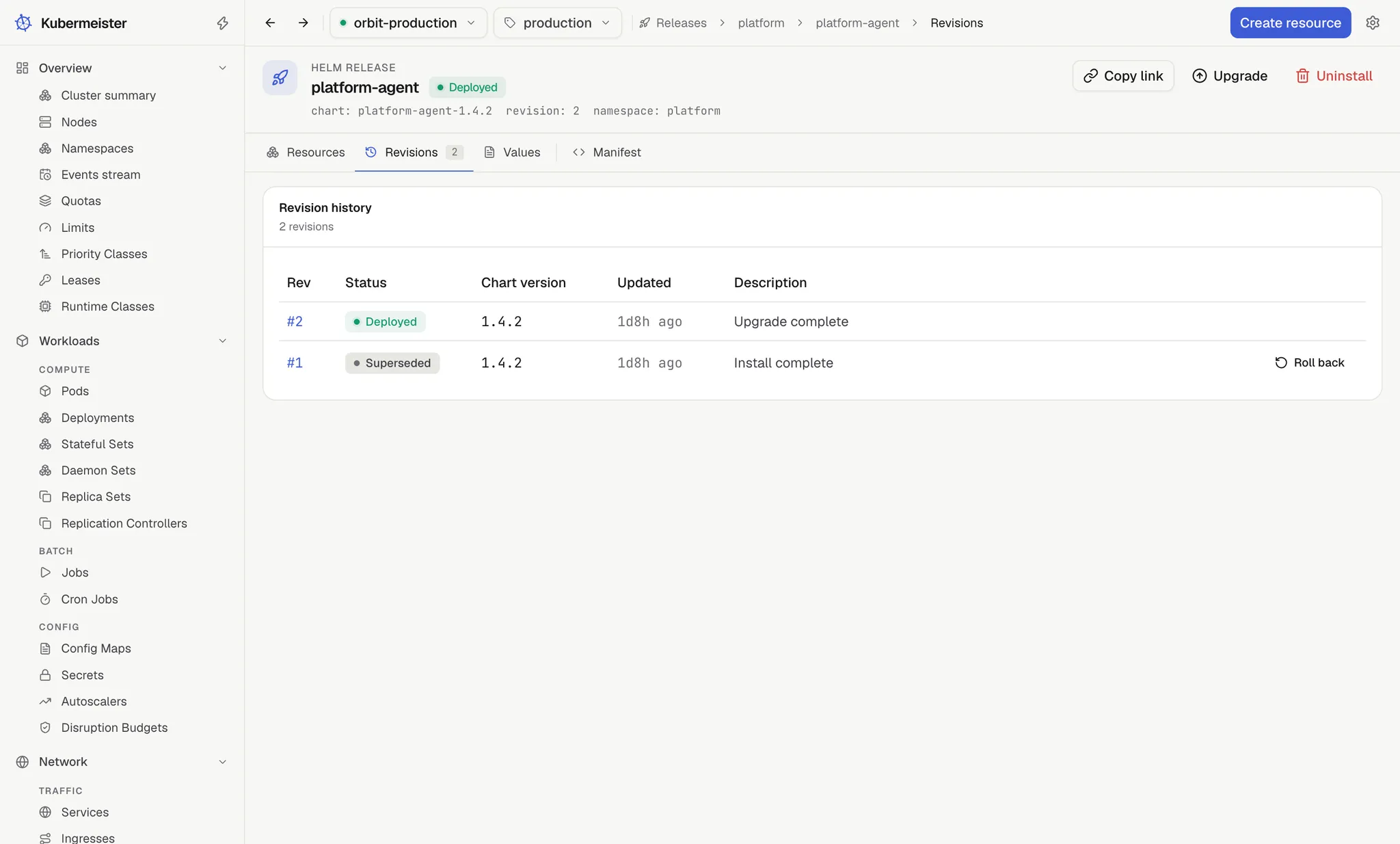
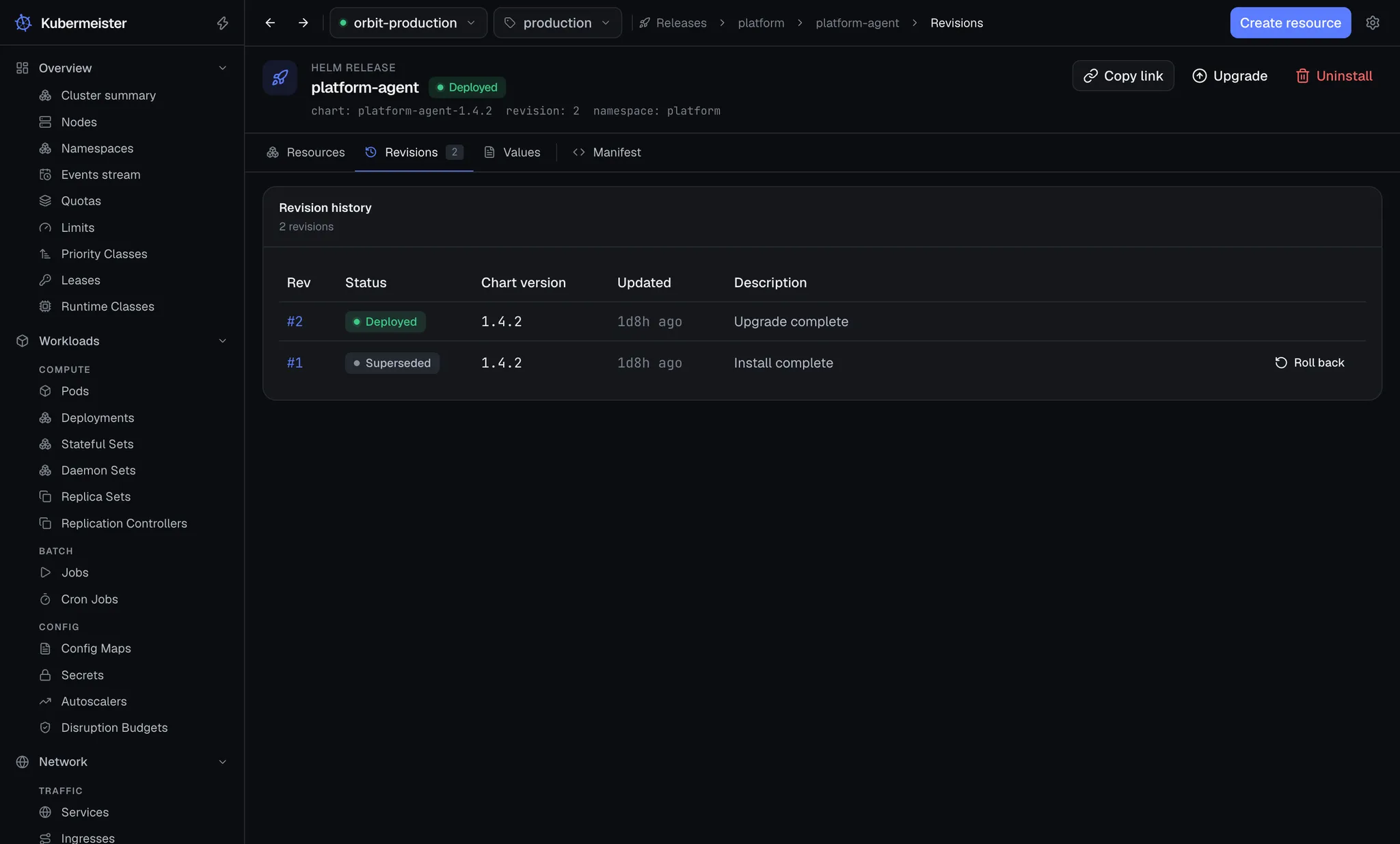
Helm releases, read properly
History, rollback and uninstall, decoded from the Secrets Helm itself writes. A release this app rolls back is still one the Helm CLI can read.
Alerts derived from the cluster
Pending and failed pods, crash loops, image pull failures, failed Jobs and stuck claims, found from field selectors and kubelet events rather than by reading every pod.
Your CRDs, with their own columns
Custom resources show the columns their definition declares, the ones kubectl get -o wide prints, and edit like any built-in kind.
Usage without a stack to run
Charts for the cluster, nodes, Deployments and pods, sampled from metrics-server while the app is open. No metrics-server means empty charts, not an error page.
Manifests, describe and exports
Read any object as YAML, copy a structured describe, and export a selection as one file, either as the cluster holds it or cleaned up to apply elsewhere.
Logs
A console that is already following
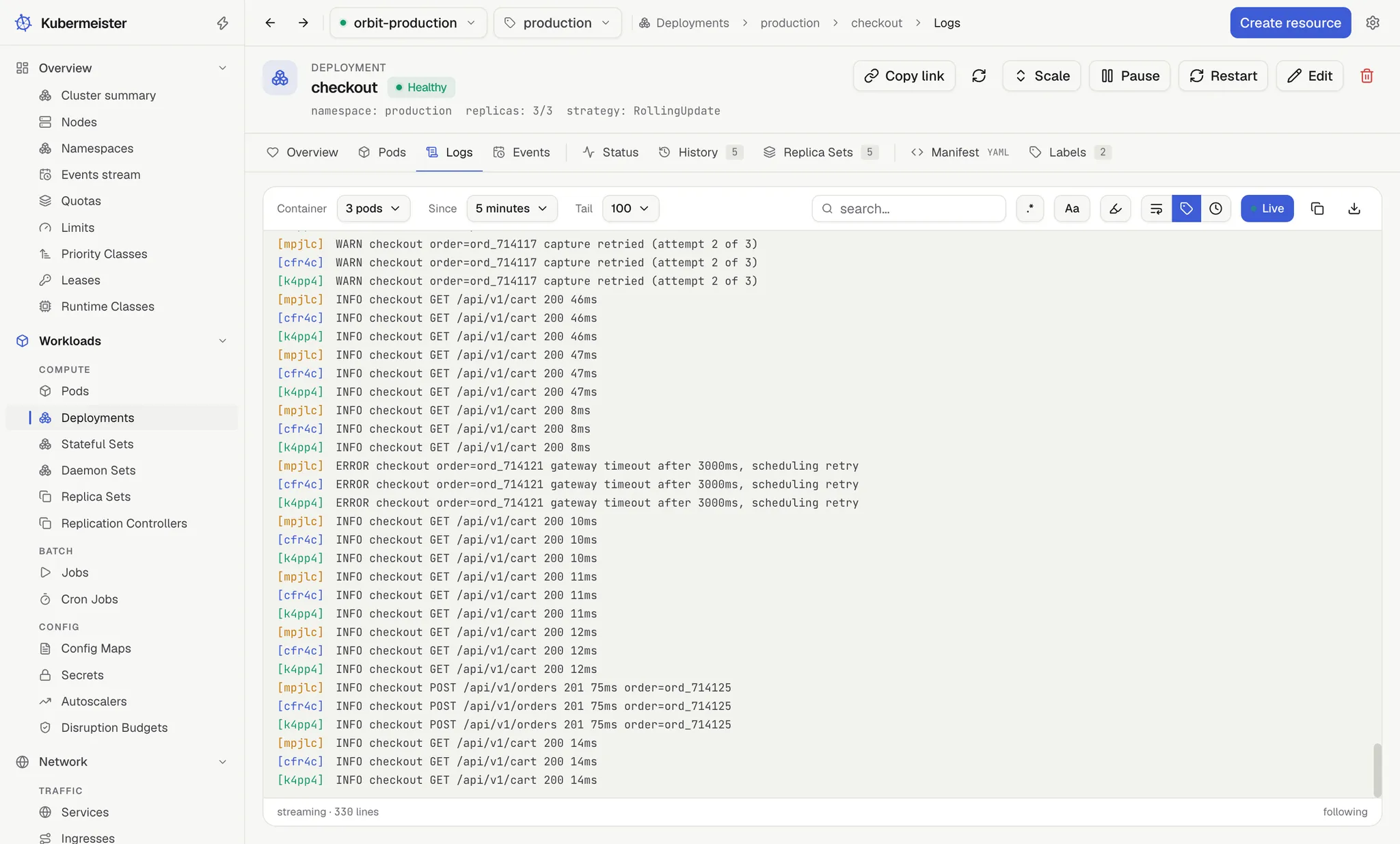
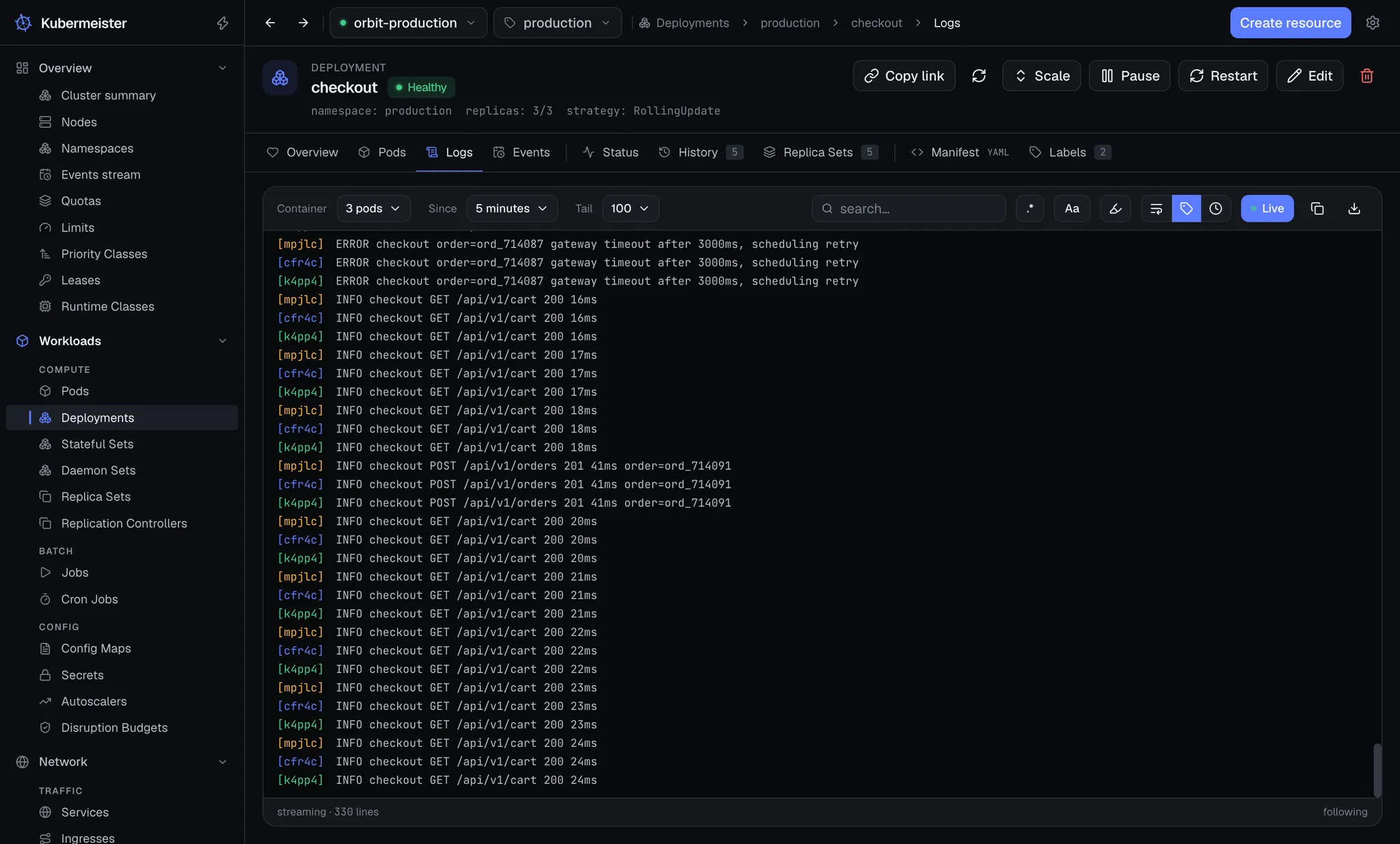
Live is on when the tab opens, because a log is opened to see what is happening now and a console you have to switch on first is a step in front of the answer. A controller’s Logs tab follows every pod it owns at once, merged in arrival order and coloured by pod, restarting when the set of pods changes so a replaced pod stops being followed.
- Search narrows the console by default, or highlights in place when a hit only makes sense beside what surrounds it.
- An unfinished regular expression reads as “no filter yet” instead of emptying the console mid-keystroke.
- Tens of thousands of lines cost a screenful of DOM, because only the rows in view are rendered.
Rollouts
See what changed before you roll it back
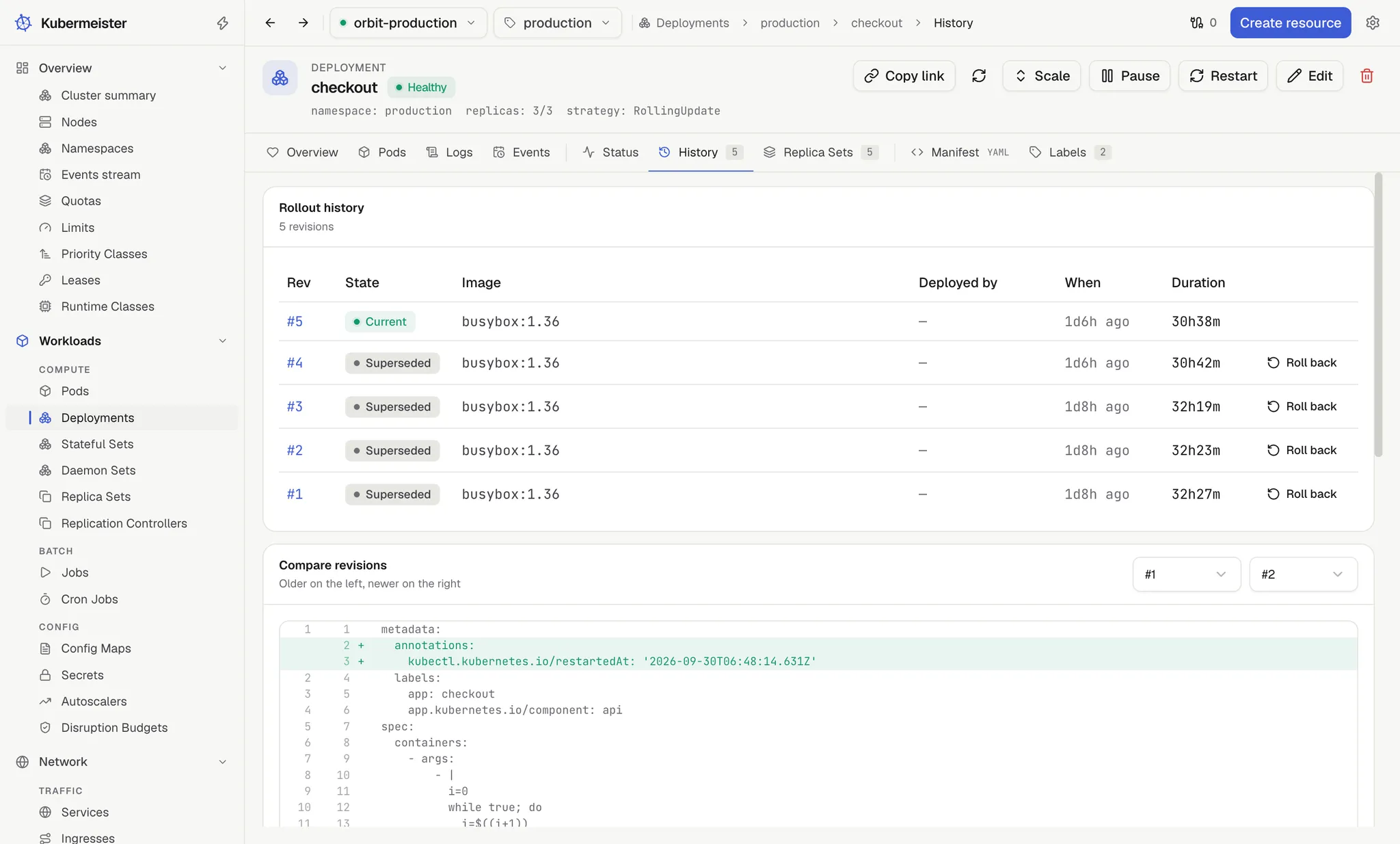
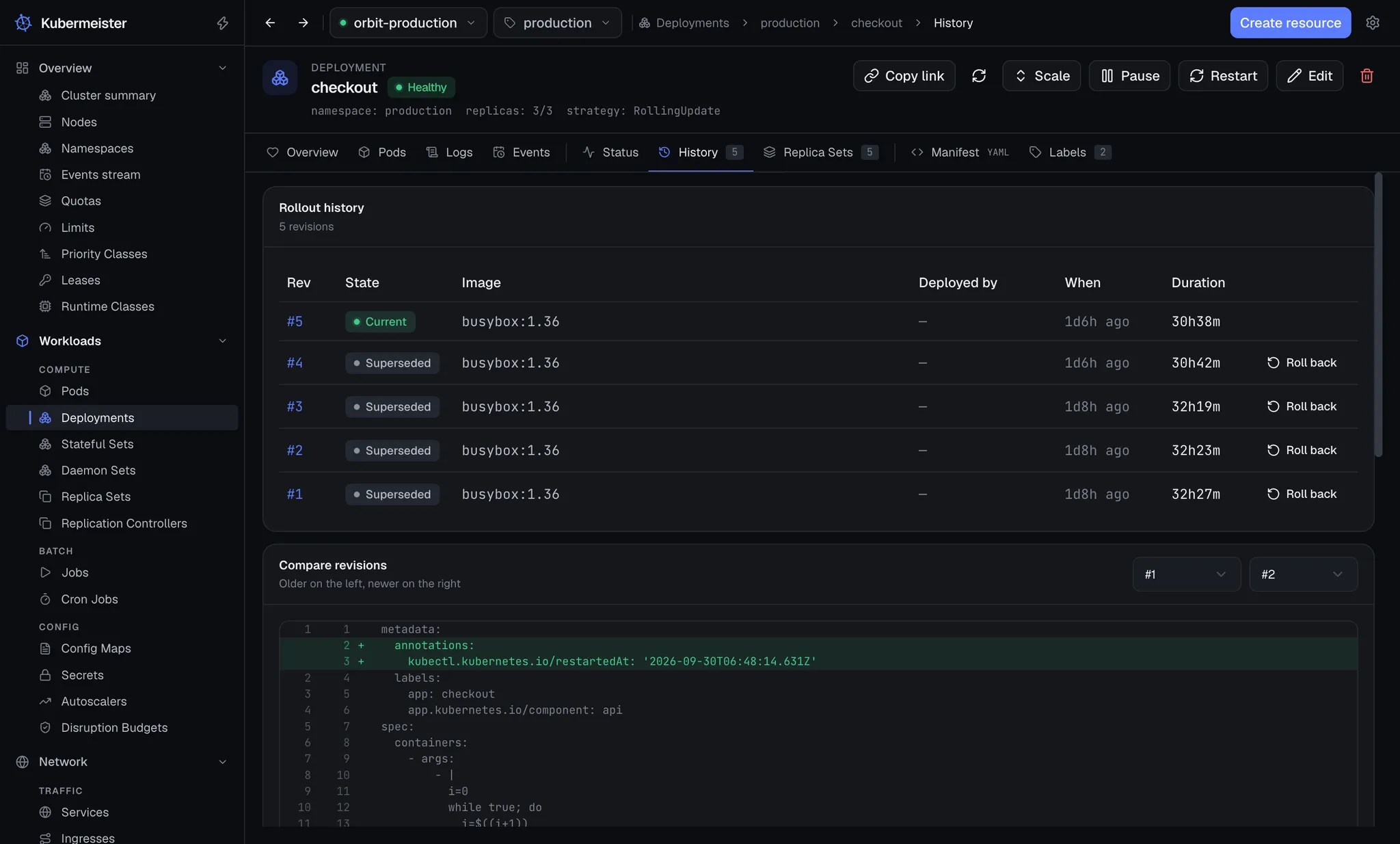
Two revisions of a pod template, side by side, both run through the same canonicalisation the rollback itself uses — keys ordered, blanks dropped, the controller’s own pod-template-hash ignored — so a difference on screen is one somebody made rather than one the API server filled in.
- A rollback restores the template with a JSON patch, not a strategic merge, so a container added since the target revision does not survive the undo.
- A revision whose template already matches the live one is reported as skipped rather than written.
- Pause, resume and restart sit next to the history, and a restart stamps the same annotation kubectl writes.
Node operations
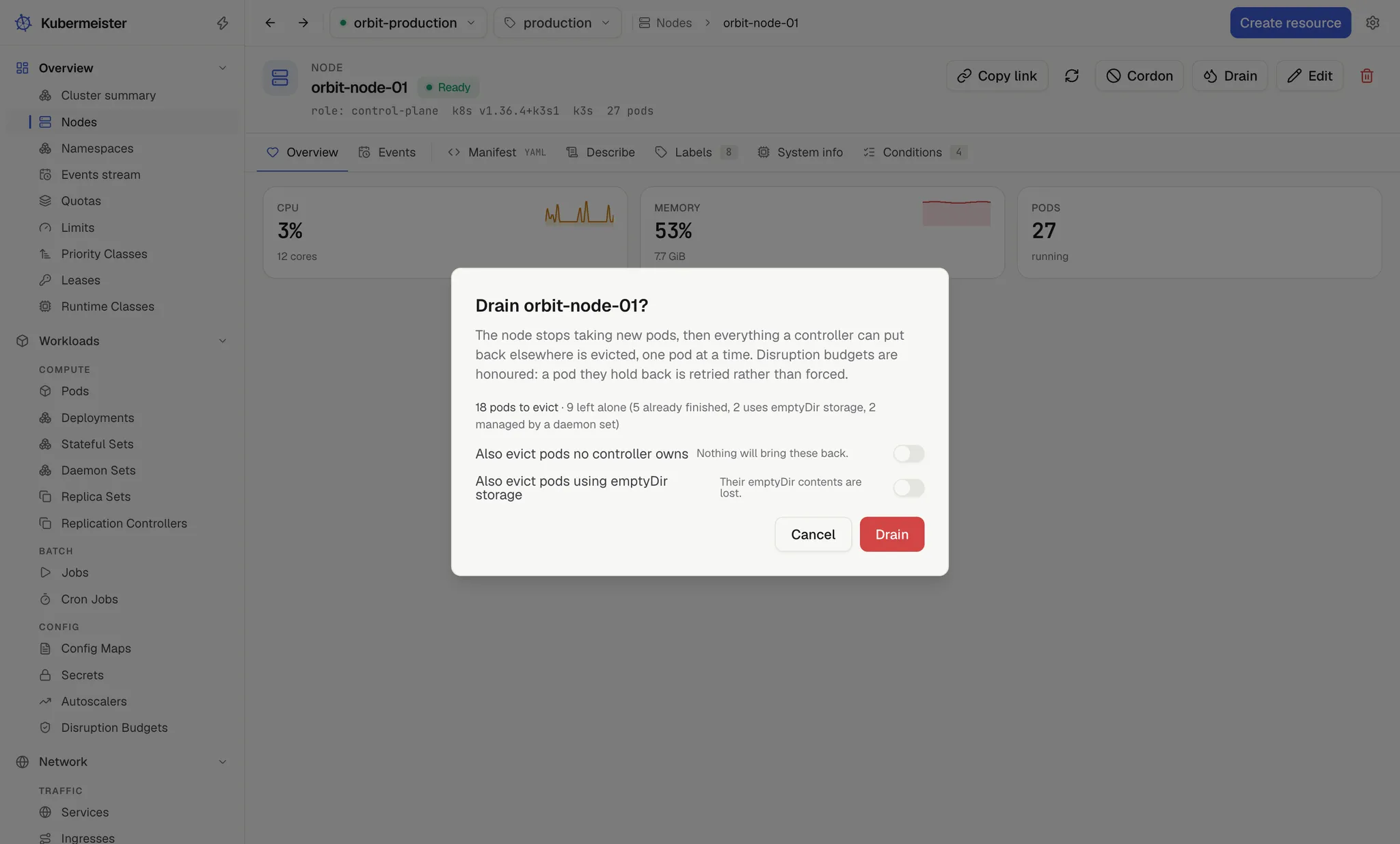
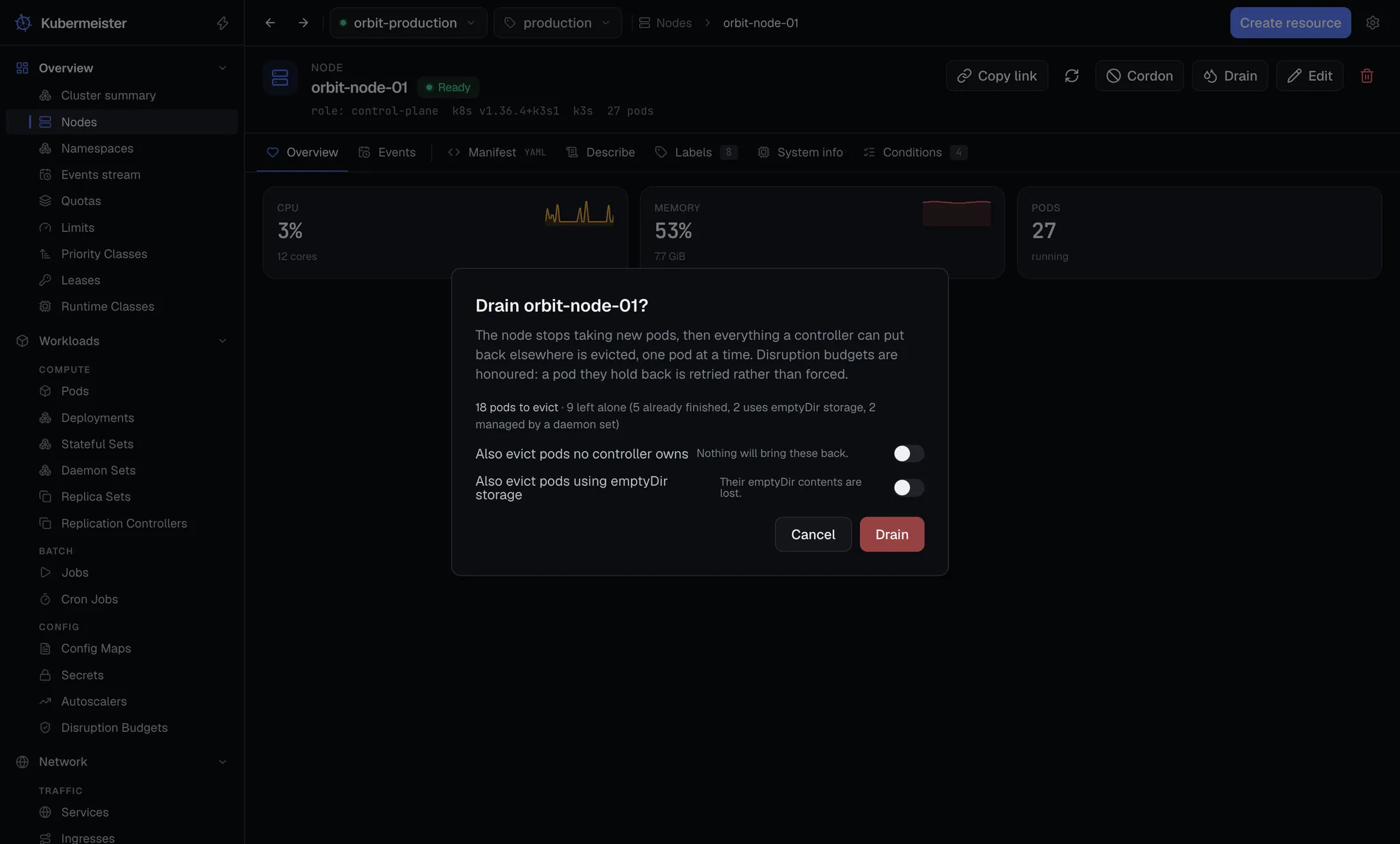
A drain that tells you what it is doing
The dialog shows the plan before anything happens, and the drain re-derives that same plan itself, so the screen can never promise one thing and the app carry out another. Then it streams: one line per pod, as it goes.
- Eviction goes through the eviction API, so PodDisruptionBudgets still have a say and a 429 means “not now” rather than “failed”.
- Stopping ends the drain at once and leaves the node cordoned — undoing that is your decision, not the app’s.
- Cordon is a patch on spec.unschedulable and nothing else, so it reads the same to every other tool.
A look around
The same window, doing other work
Every screenshot on this page is the application running against a real cluster, not a mockup.
Safety
Guardrails for working with live clusters
A graphical client makes destructive things easy to reach. These are the constraints that keep that from being a problem.
A write cannot land on the wrong cluster
Every write carries the context the screen was rendered under. The app compares it with the context it is on and refuses a mismatch, so a tab left open from before a context switch can never act on the new cluster.
Destructive kinds ask you to type the name
Deleting a node, a namespace, a CRD, a PersistentVolume, a StorageClass or a cluster role takes the object’s name, typed out. Nodes, namespaces and CRDs have no bulk delete at all.
Secrets cross one key at a time
A Secret’s values are never handed to the interface as a map. A reveal asks for the single key it needs, the value is held outside the query cache, it masks itself again on a timer, and a copy never renders it at all.
The app opens no back door
No debug container, no privileged pod on a node, no files carried across the exec channel. kubectl debug and kubectl cp are where those belong, and the app does not quietly become a way around your RBAC.
The renderer is sandboxed and stays that way
Context isolation on, Node integration off, sandbox on, external links routed to your browser and everything else denied. Electron fuses are flipped at package time so the packaged app cannot be started as a plain Node binary.
Nothing quits out from under a session
Quitting ends every port forward, shell, log follow and drain at once, and none of them come back — so the app asks first, in a native dialog that spells out what quitting ends.
Questions
Frequently asked
What is Kubermeister?
Kubermeister is a desktop Kubernetes client for macOS, Windows and Linux. It reads your existing kubeconfig and gives you a window onto your clusters: live resource lists, logs, shells, port forwards, Helm releases, node drains and rollouts.
Is Kubermeister free?
Yes. It is free and open source, for personal and commercial use alike. There is no account, no licence key, no seat count and no paid tier.
Do I need kubectl installed?
No. Kubermeister talks to the API server directly and runs exec credential plugins itself, so a kubeconfig written by aws eks update-kubeconfig or gcloud works without kubectl on your PATH.
Does Kubermeister install anything into my cluster?
No. It adds no deployment, no service, no agent and no credential. It uses your kubeconfig and your RBAC, so it can do exactly what you can do and nothing more.
Where does my cluster data go?
Nowhere. Kubermeister talks to your API server, to GitHub for update checks and to any chart repository you add yourself. There is no backend, no account and no telemetry service collecting what your clusters contain.
Does it work behind a corporate proxy or with a private certificate authority?
Yes. It reads HTTPS_PROXY and HTTP_PROXY per scheme the way kubectl would, honours a proxy-url in the kubeconfig, and lets you set a proxy, a bypass list or an extra CA bundle in Settings. A CA bundle is added to what is already trusted rather than replacing it.
Can I use it with more than one cluster?
Yes. Every context in your kubeconfig is listed, and switching one resets every cluster query so a screen never shows the previous cluster while writes already reach the new one.
Point it at a cluster and see.
It reads the kubeconfig you already have and changes nothing about it.
Prefer to read first? Start with theinstallation guideor browse thesource on GitHub.