Manifests and YAML
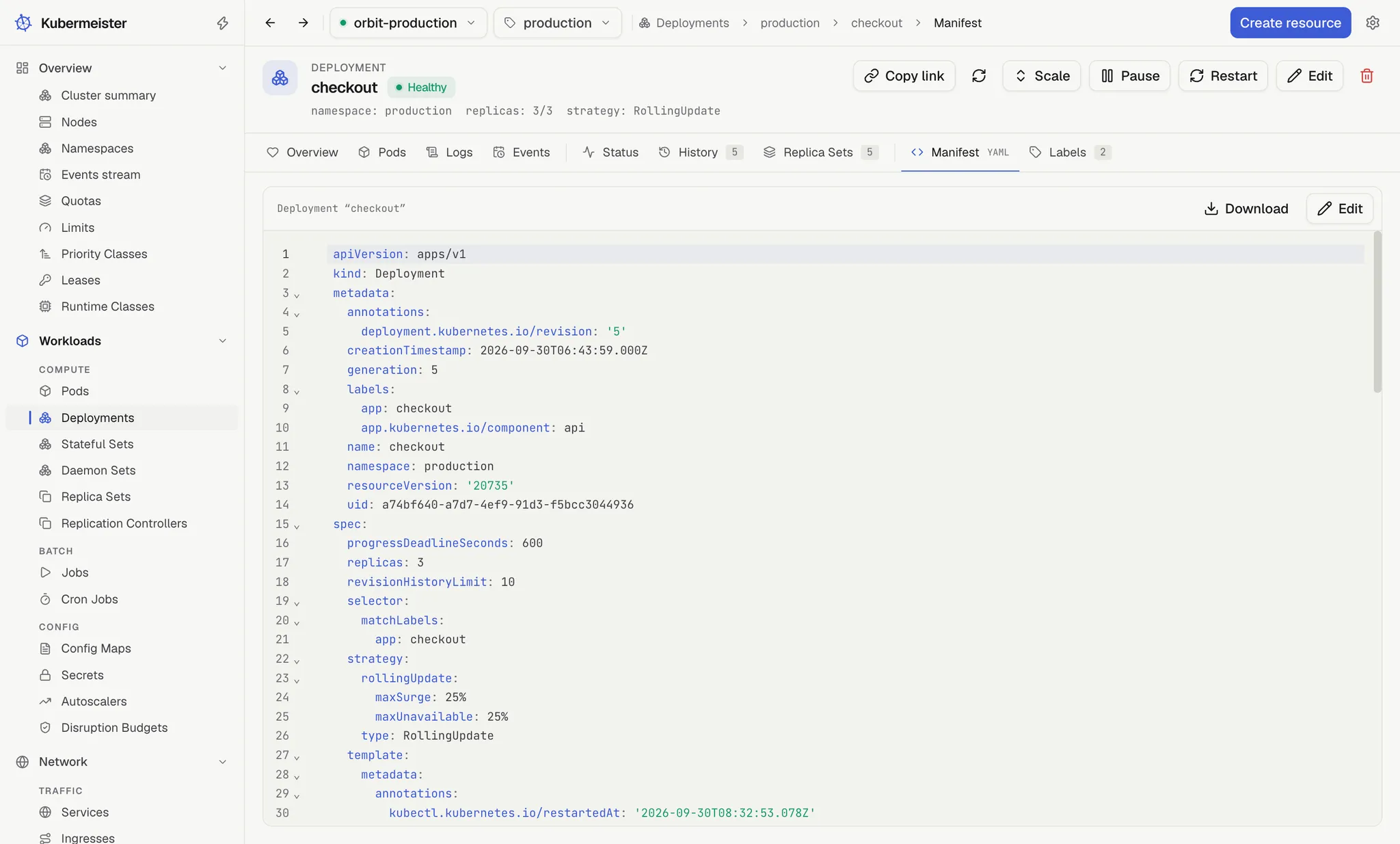
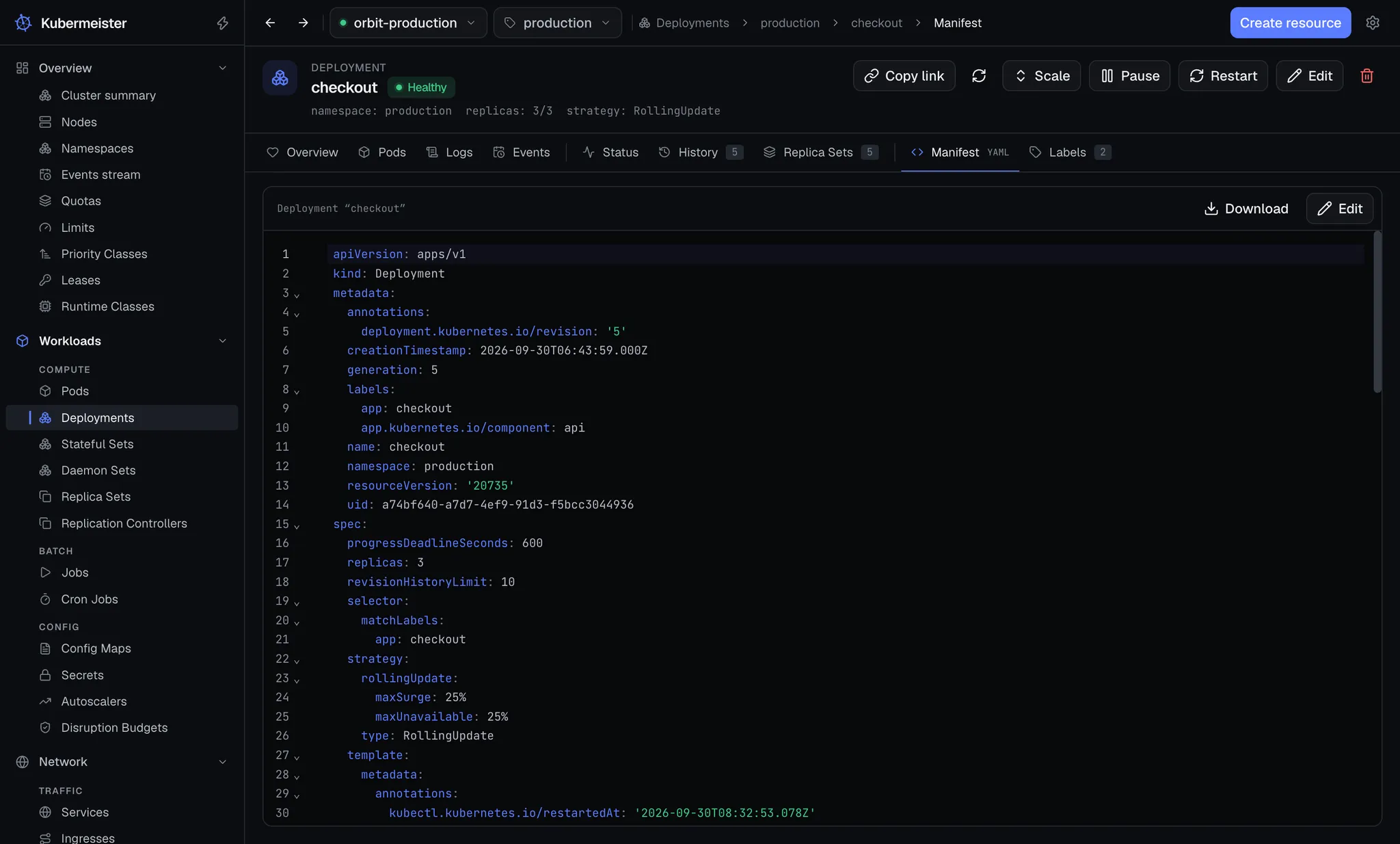
Every object’s detail page has a Manifest tab showing it as the cluster holds it. Manifests
are serialised with plain YAML rather than the client library’s typed dump, which drops fields it
does not know about — so anything a controller or a CRD put there is on screen. Two things are left
out as noise: managedFields and the kubectl.kubernetes.io/last-applied-configuration
annotation.
The editor has line numbers, bracket matching and its own search. Download saves what it shows
as <name>.yaml.
Editing
Section titled “Editing”Edit, on the Manifest tab or in the page header, re-reads the object first, so you start from its current version. The bar then reads “Editing — Save replaces the live object”, with Cancel, Dry run, Review changes and Save. The tab stays mounted, so an edit survives switching to another tab and back. A Helm release’s Manifest tab is the exception: it is what the chart rendered, and it is never editable.
- Dry run sends the manifest through the API server’s full admission chain with nothing persisted, and says “Dry run passed” when the server would accept it.
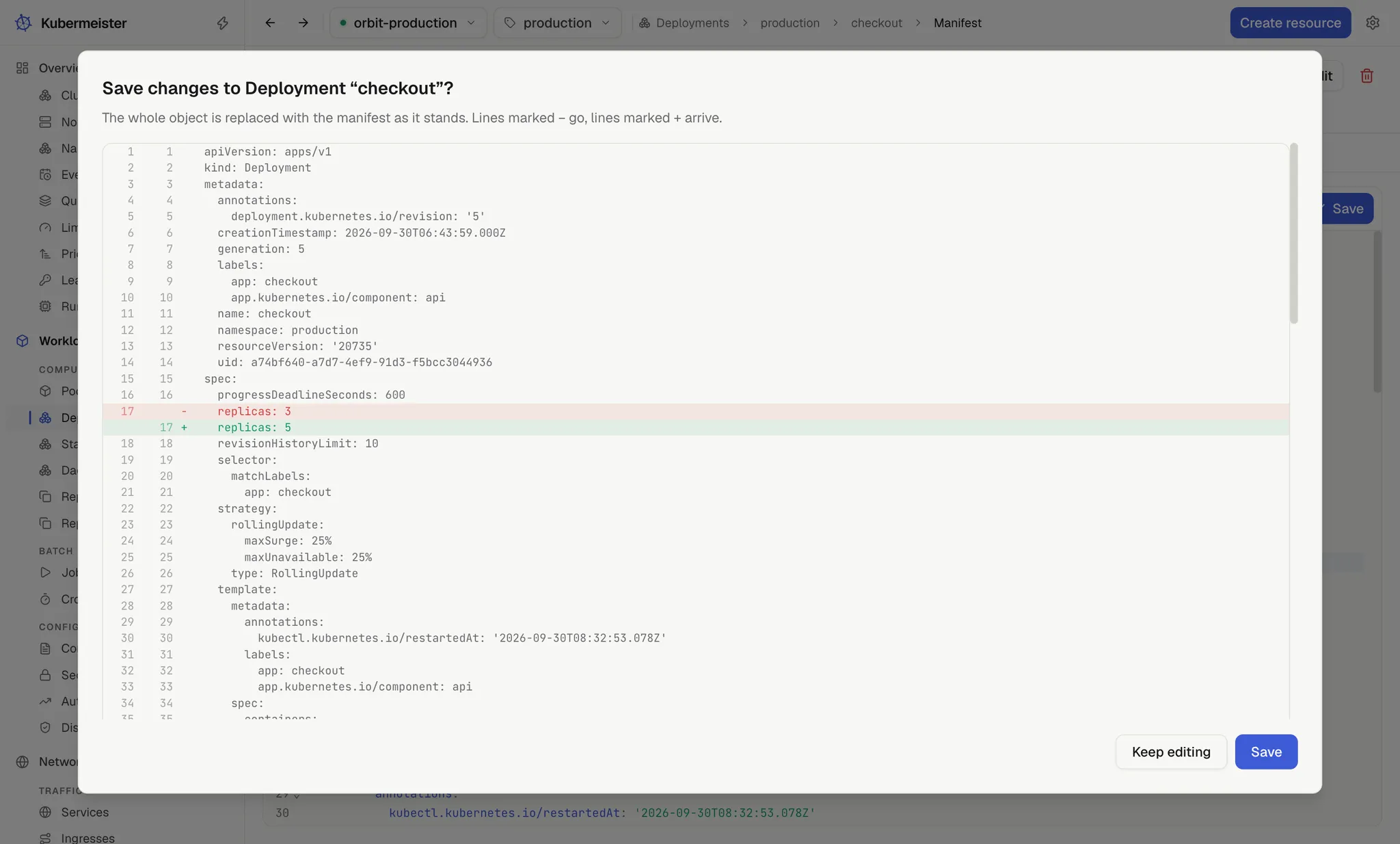
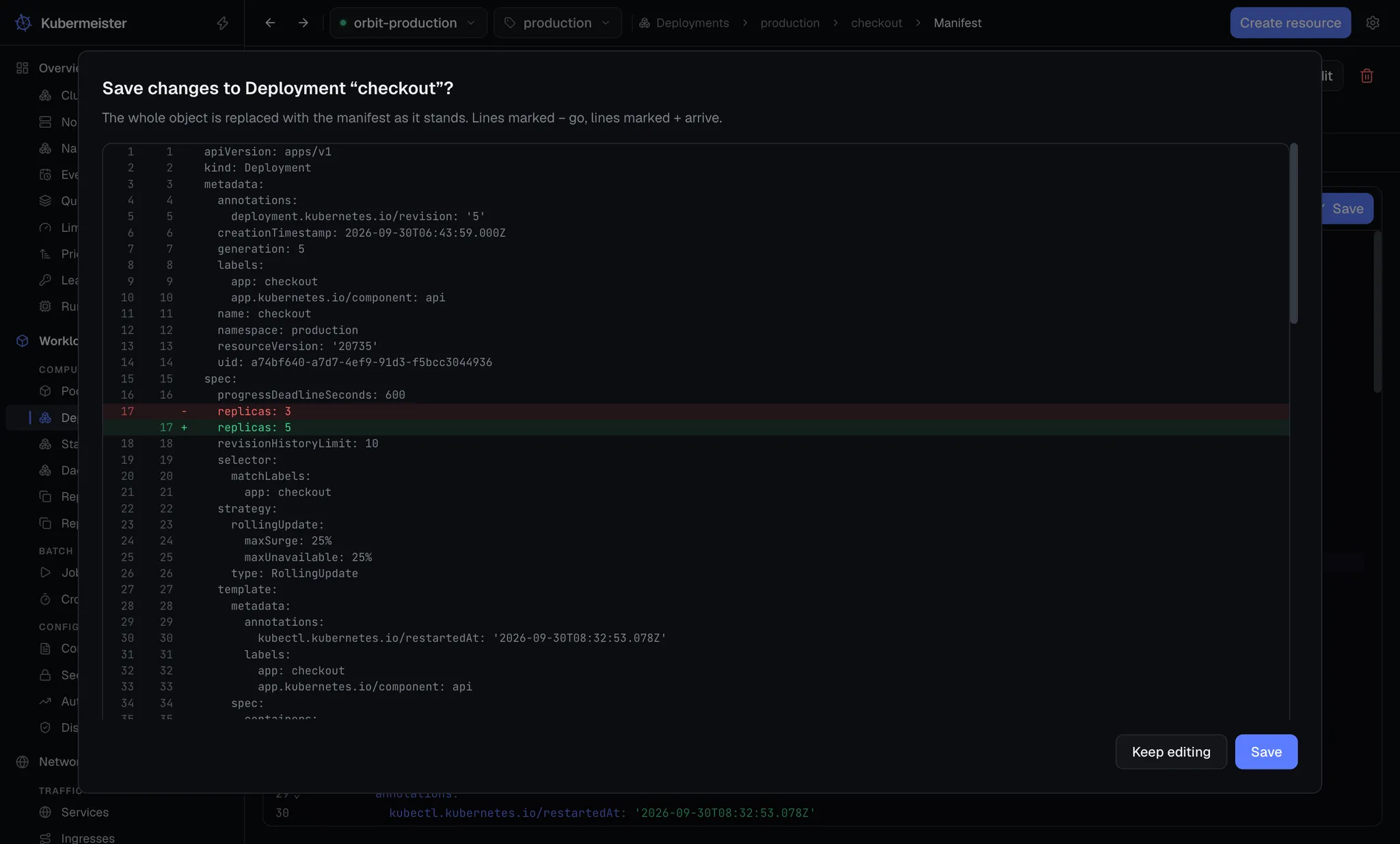
- Review changes shows what Save is about to write, as a diff against the object you started from: lines marked − go, lines marked + arrive. Save in the dialog writes it; Keep editing goes back. With nothing changed it says so.
- Save writes straight away.
Saving is a replace, and a replace must carry the metadata.resourceVersion the object was read
with. That is what turns a concurrent change into a visible conflict instead of a silent overwrite
of somebody else’s edit. When it happens, a banner says the object changed on the server since you
started editing, and Reload latest takes the new version without throwing away your edits: it
puts the fresh resourceVersion into your buffer, so you can look again and save.
The editor also pins what it was opened on: a manifest naming a different kind, name or namespace is refused rather than applied somewhere unexpected. To make a new object from an existing one, use Create resource.
Unsaved edits are not lost by accident. Cancel, or leaving the page, asks “Discard unsaved changes?” with Keep editing and Discard. Switching to another tab of the same object keeps the edit without asking, and switching context or namespace asks the same question first: Keep editing cancels the switch.
Checking as you type
Section titled “Checking as you type”While you edit, and on the Create screen, the manifest is checked against the schema the cluster publishes for the kind it names, custom resources included, so a mistake is marked where it is rather than reported by the API server after Save. A mark in the gutter and a wavy underline show each one; hovering either says what is wrong.
- Errors are what applying would refuse: YAML that does not parse, more than one document, no
apiVersion,kindormetadata.name, a value of the wrong type (replicas: two, or a number where a string belongs, which is fixed by quoting it), a value outside the ones a field allows, and a required field left out. - Warnings are fields the kind does not have, which the API server ignores rather than refuses.
A near miss names the field it was probably meant to be: “Did you mean
replicas?”.
The schema comes from the cluster, so it is the one for the version it runs, and it is read once per kind and cached. A cluster that publishes no schema for a kind, or that cannot be reached, still gets the first four checks. The Manifest tab checks nothing until Edit: the object as the cluster holds it is not yours to fix.
The same schema completes as you type. At the start of a line the editor offers the fields the
mapping you are in does not have yet, required ones first, each with what it holds and what it is
for; after field: it offers the values the field allows, or true and false for a switch.
Ctrl+Space asks for them at any point. Hovering a field’s name shows its type, whether it is
required, and its description. Every template on the Create screen starts out with nothing marked.
Creating
Section titled “Creating”Create resource, in the top bar or the command palette, opens a blank editor. Its heading says where the manifest will go — “Apply manifest to” the current context and namespace — and, once a file is open, which file it came from.
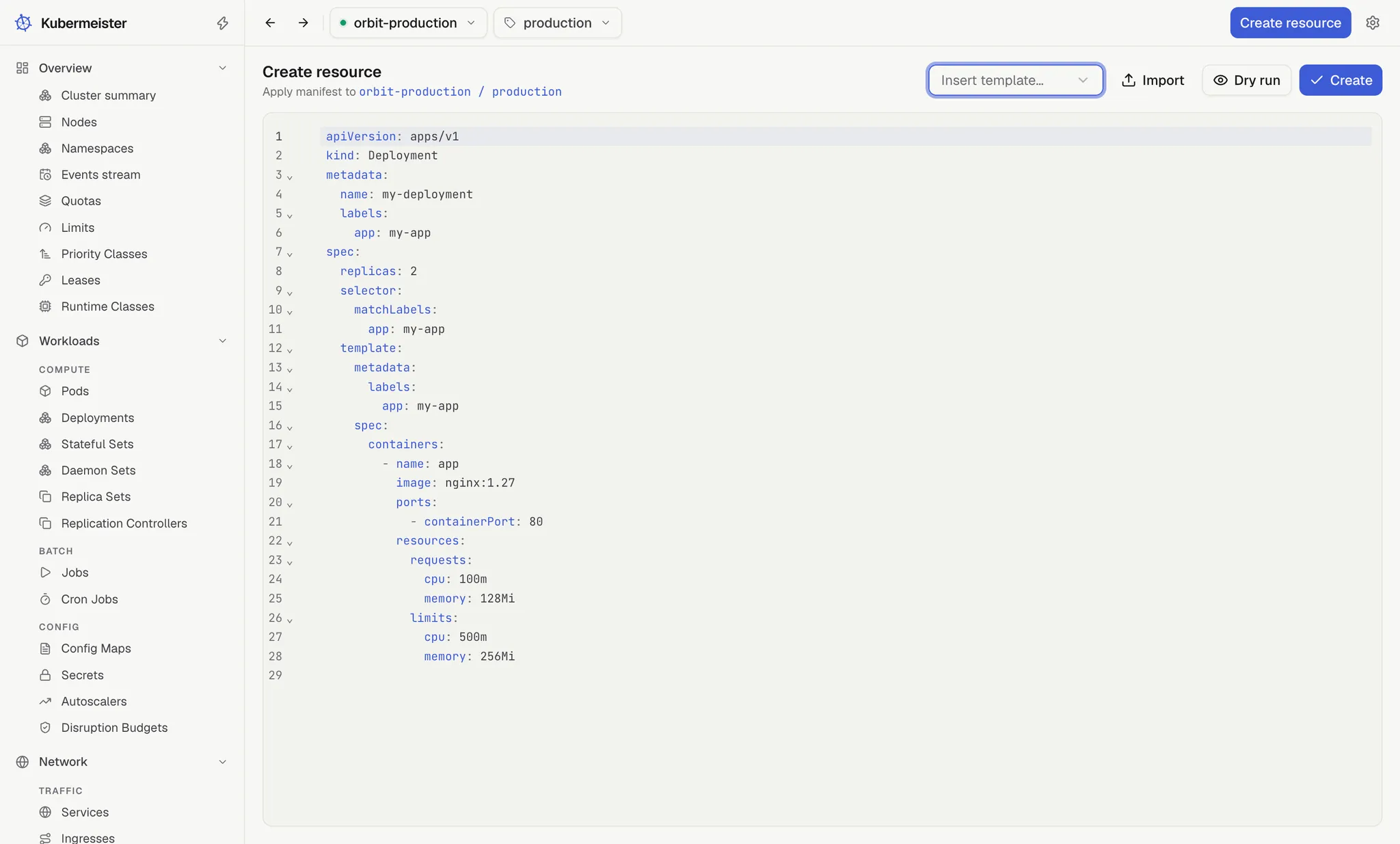
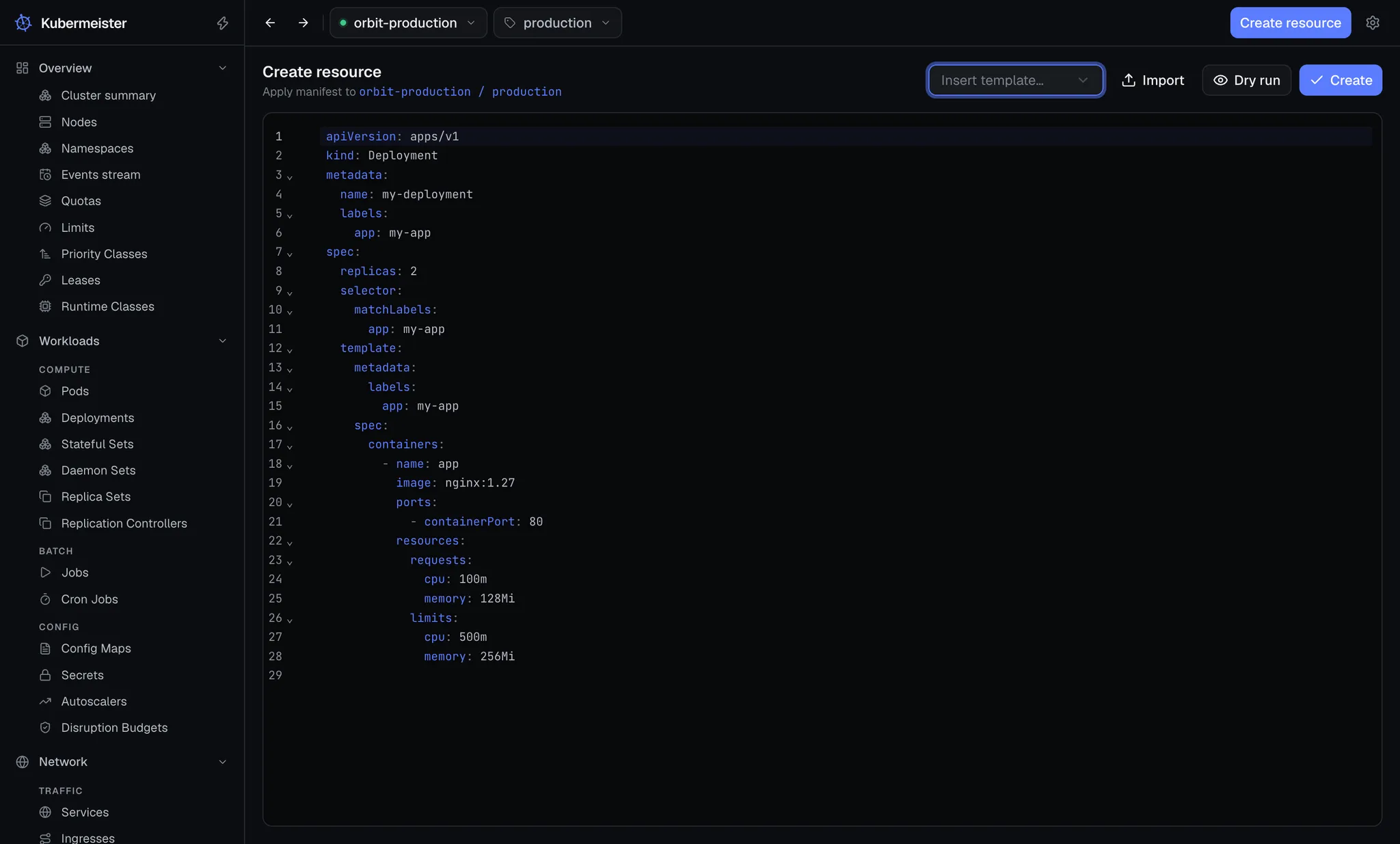
Paste a manifest, open a file, or pick one from Insert template…:
| Workloads | Networking | Configuration and storage | Access |
|---|---|---|---|
| Deployment | Service | ConfigMap | ServiceAccount |
| StatefulSet | Ingress | Secret | Role |
| DaemonSet | NetworkPolicy | PersistentVolumeClaim | RoleBinding |
| Job | |||
| CronJob | |||
| HorizontalPodAutoscaler |
The picker shows each template’s API version beside it, such as apps/v1 or autoscaling/v2.
Dry run checks the manifest against the server the same way the editor’s does. Create
applies it, and on success takes you to that kind’s list; a custom resource leaves you on the
Create screen. The API path is derived from the manifest’s own apiVersion and kind, so a custom
resource rides exactly the same call as a Pod.
The editor takes one object. The manifest must be a single YAML document with apiVersion,
kind and metadata.name (or generateName); a file of several documents, such as one saved with
Export from a selection of several rows, is refused.
Namespace rules are enforced at the boundary:
- A manifest that names no namespace takes the active one.
- With All namespaces selected and no namespace in the manifest, the write is refused rather than left to a client-library default. The heading says as much: “the namespace each manifest names”.
- A cluster-scoped kind has any
metadata.namespaceremoved before it is written. - A kind the app does not recognise is asked of API discovery to learn whether it is namespaced. A
kind is recognised by its API group as well as its name, so a custom resource named like a
built-in kind, such as Longhorn’s
longhorn.ioNode, is asked about too.
Opening a manifest from a file
Section titled “Opening a manifest from a file”There is no File menu for this. A file comes in one of two ways, and either opens the Create screen on it without applying anything:
- Import, on the Create screen, opens the system’s “Open a manifest” dialog, which offers
.yaml,.ymland.jsonfiles (or any file, if you choose). - Drop a file anywhere on the window, from any screen. The window shows “Drop to open the manifest”; only the first file of a drop is taken.
The file must be text and at most 2 MB. A file only ever enters the app through the OS — a native dialog, or a real drag-and-drop — never through a path the interface chose. A template, an import and a drop all ask “Replace editor content?” before they replace work you have typed in.
Secrets
Section titled “Secrets”A Secret’s Manifest tab shows the object as the cluster holds it, values included, because that is what editing it requires. Everywhere else, values are handled one key at a time — see security.